




Two quick tips for duplicating guides and changing guides between horizontal and vertical in InDesign.
1. Hold the Option/Alt key and drag an existing guide to make a copy of it.
2. When you’re dragging a new guide from a ruler, you can change it from horizontal to vertical (or vice versa) by holding Option/Alt.
This article was last modified on January 12, 2026
This article was first published on May 28, 2019
Commenting is easier and faster when you're logged in!

Recommended for you
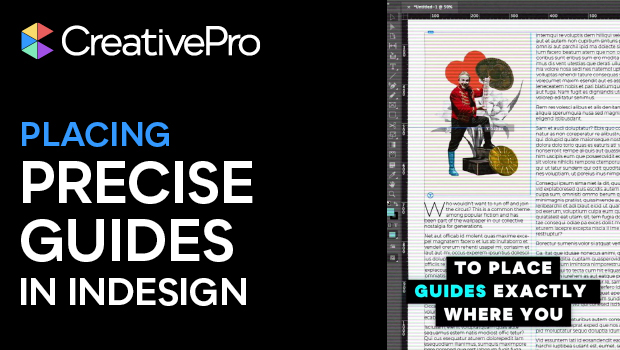
Placing Precise Guides in InDesign
Drop guides in InDesign precisely where you want them with these quick tips!
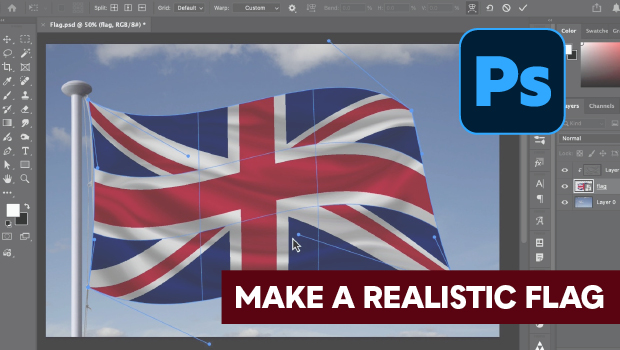
How to Make a Realistic Flag in Photoshop
Create a realistic waving flag in Photoshop with Steve Caplin.
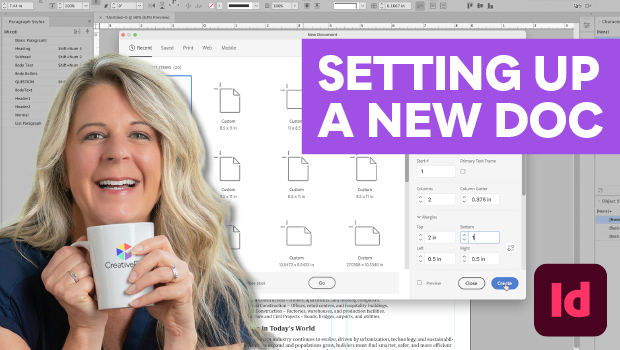
Set Up Your InDesign Documents Like a Pro
Set up InDesign documents like a pro with these expert tips from Laurie Ruhlin.