




In this week’s InDesignSecrets video, Mike Rankin demonstrates how to easily print a range of pages. Even if your InDesign pages are numbered with prefixes—or have different numbering styles—these techniques will make outputting specific pages a snap!
Check out new tutorials every Tuesday on our InDesign Secrets YouTube channel, then join the discussion on our Facebook group!
This article was last modified on August 29, 2025
This article was first published on October 23, 2018
Commenting is easier and faster when you're logged in!

Recommended for you
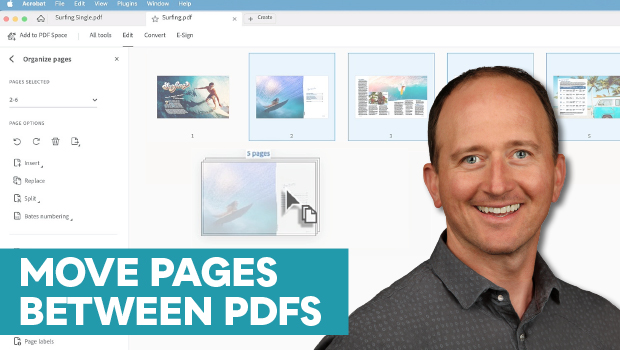
How to Move Pages Between PDFs with Adobe Acrobat
Learn how to move pages between PDF files with Chad Chelius.
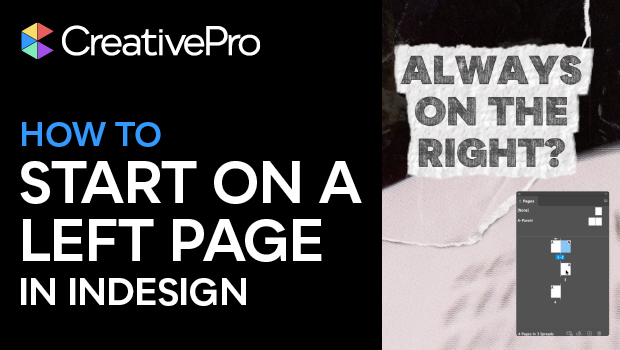
How to Start an InDesign Document on a Left-hand Page
Start your InDesign document on a left-hand page using one of Khara’s easy tips.
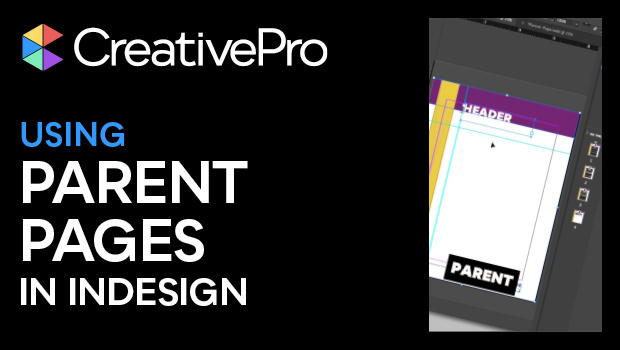
Using InDesign’s Parent Pages
Learn how to update your long documents instantly with parent pages!