




Q: I have created a silhouette for a model’s head in Photoshop by using a layer mask, but when I bring it into InDesign, the supposedly silhouetted head is floating on an opaque white background. My frame has a background of None, the image has the “checkerboard” background in Photoshop. Why isn’t it behaving correctly in InDesign?
Thanks, A Frustrated Designer
A: The image has been saved as a layered TIFF. Resave it as a layered native Photoshop file and all is well! While TIFFs can have layers, I sort of regard that as going against nature. Apparently, InDesign feels the same way :-)
This article was last modified on December 18, 2021
This article was first published on January 15, 2007
Commenting is easier and faster when you're logged in!

Recommended for you
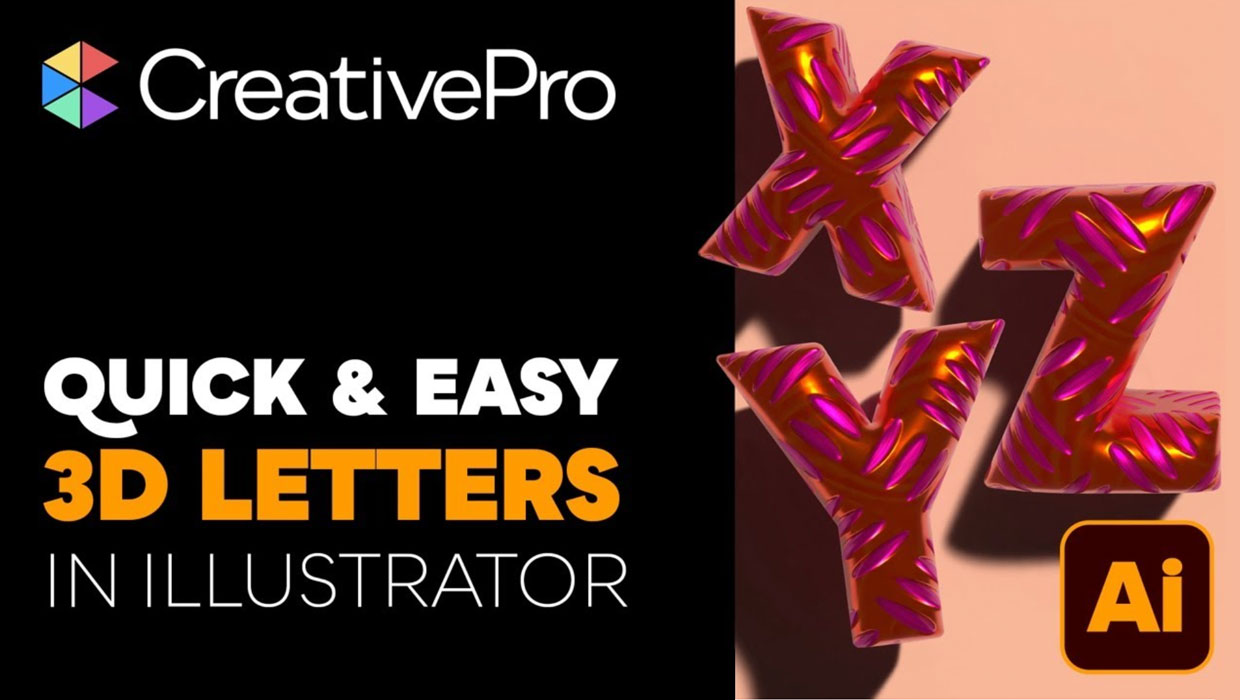
Livestream Video: Creating 3D Lettering Using Illustrator’s Inflate Tool
Join Khara Plicanic as she shows how to create stunning 3D lettering with Illust...

Quick Wins: Vector Drawing Skills
Use these five resources to boost your vector drawing skills.

How to Create Kinetic Text in Keynote
It's a breeze to create custom typographic animations with Chris Converse.