




I’m down in Miami Beach at the Creative Suite Conference. And wow, Kacey Crouch blew me away with her tip at the final session.
Her tip has to do with getting text to position centered vertically in a text frame that has rounded corners or any other corner effect applied.
Simply apply an inset to the text frame to force the text to the vertical justification.
This gives the frame a rectangle into which the text can be centered or otherwise position.
Great tip, Kacey!
This article was last modified on December 18, 2021
This article was first published on March 3, 2007

Recommended for you
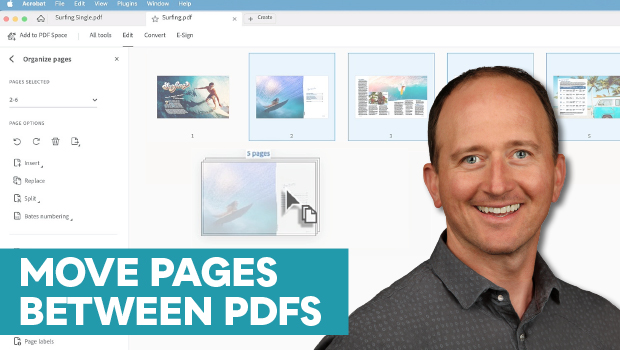
How to Move Pages Between PDFs with Adobe Acrobat
Learn how to move pages between PDF files with Chad Chelius.

From Type to Table: Different Medium, Same Design Eye
Our longtime typography expert explores how the core principles of design transl...

Opinion: InDesign’s Auto-generate Alt Text Feature Needs to Change
How it might damage your accessibility workflow and how it can be fixed
Comments are closed.