




Did you ever turn on hidden characters and not understand some of the markings you saw onscreen? Or wonder what some of the little controls attached to a text frame did?
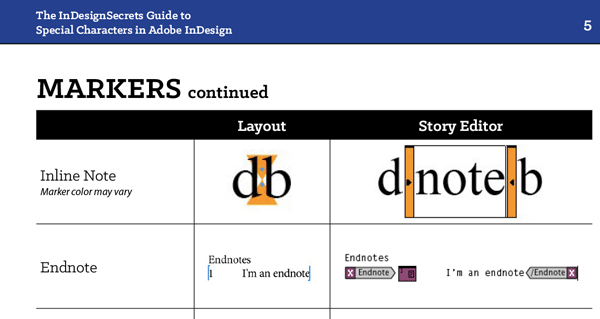
Well, wonder no more. The InDesignSecrets Guide to Special Characters has been updated, and includes new characters, like endnote markers…
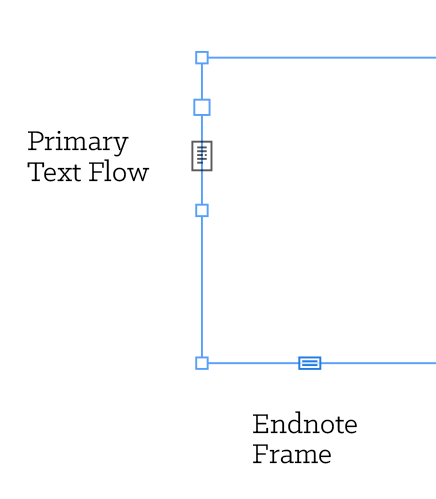
as well as text frame adornments…
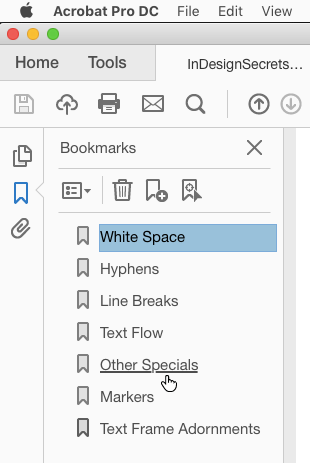
and PDF bookmarks.
The guide is free to download. You just need to be a member here at CreativePro to get it. If you’re logged in with either a free or premium membership, the download link for the guide appears below. Enjoy!
Premium or free members, please log in at the top of the page, or become a member of CreativePro.This article was last modified on September 21, 2022
This article was first published on March 2, 2018
Commenting is easier and faster when you're logged in!

Recommended for you
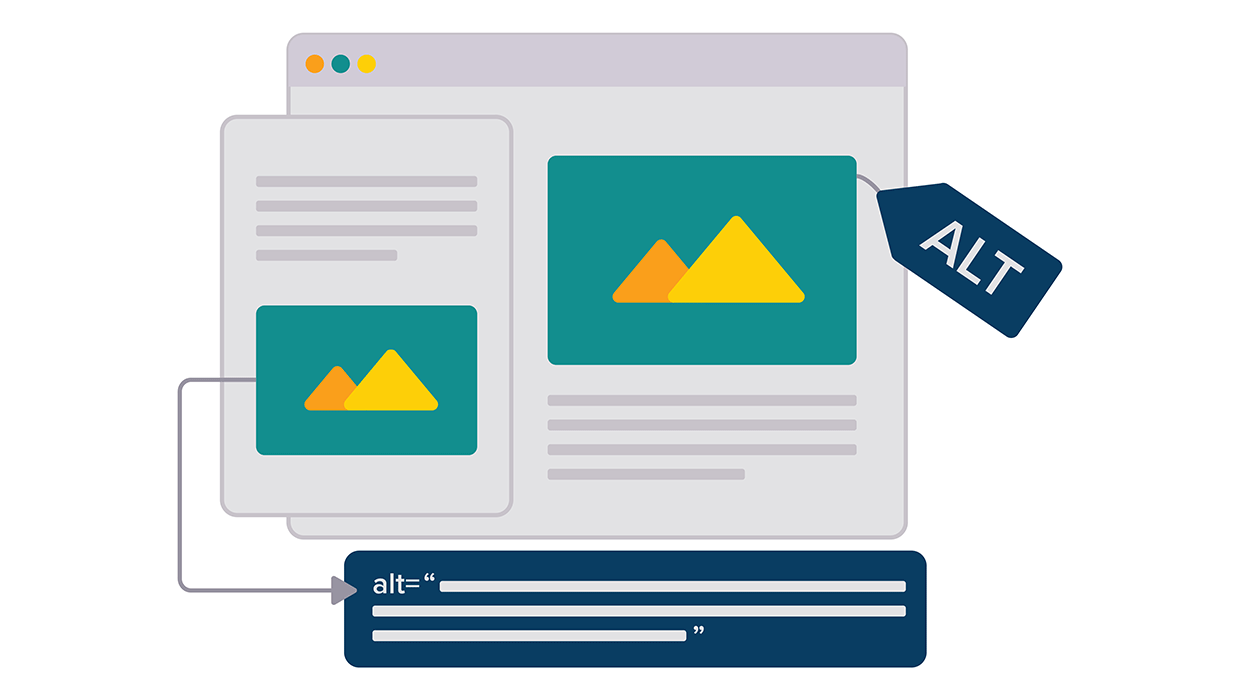
Opinion: InDesign’s Auto-generate Alt Text Feature Needs to Change
How it might damage your accessibility workflow and how it can be fixed

Free Webinar: Accessibility Essentials
Learn the foundational concepts, terminology, and best practices that every desi...

InDesign Can Create More Kinds of QR Codes Than You Think
With the right syntax, you can make QR codes that dial phone numbers, add calend...