




Many of us love the feature that allows us to copy Illustrator vectors and paste them into InDesign. The paths become InDesign vectors so they can be edited with InDesign’s Pen and other path-editing tools. But we’ve also run into a limitation: If our art is too complex, the copied objects print at high resolution, but they become an uneditable embedded EPS file.
What’s the magic number? It turns out that if you copy up to 500 paths or shapes, they stay vector. If you copy 501 or more, then they’re no longer editable. That number is thanks to Tim Cole and Lynn Grillo, two of Adobe’s extraordinary application engineers, posted in their Adobe blog.
Tim and Lynn also point out that if you use Illustrator’s Live Trace feature, you can view the number of paths in your artwork on the right side of the Tracing Options dialog box. Mordy Golding commented that you can also “choose Window > Document Info and in the flyout menu, make sure ‘Selection Only’ and ‘Objects’ are checked. Then, the palette will display how many paths you have selected at any time.”
This article was last modified on December 18, 2021
This article was first published on August 30, 2006

Recommended for you
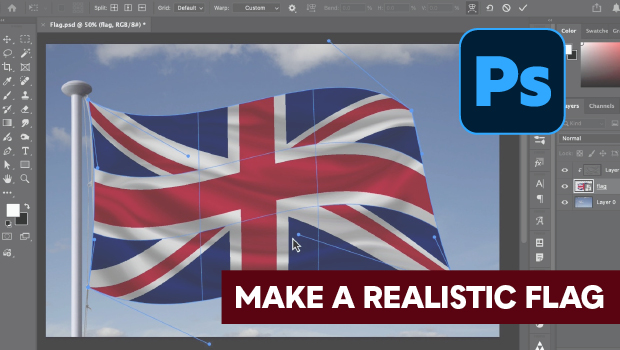
How to Make a Realistic Flag in Photoshop
Create a realistic waving flag in Photoshop with Steve Caplin.
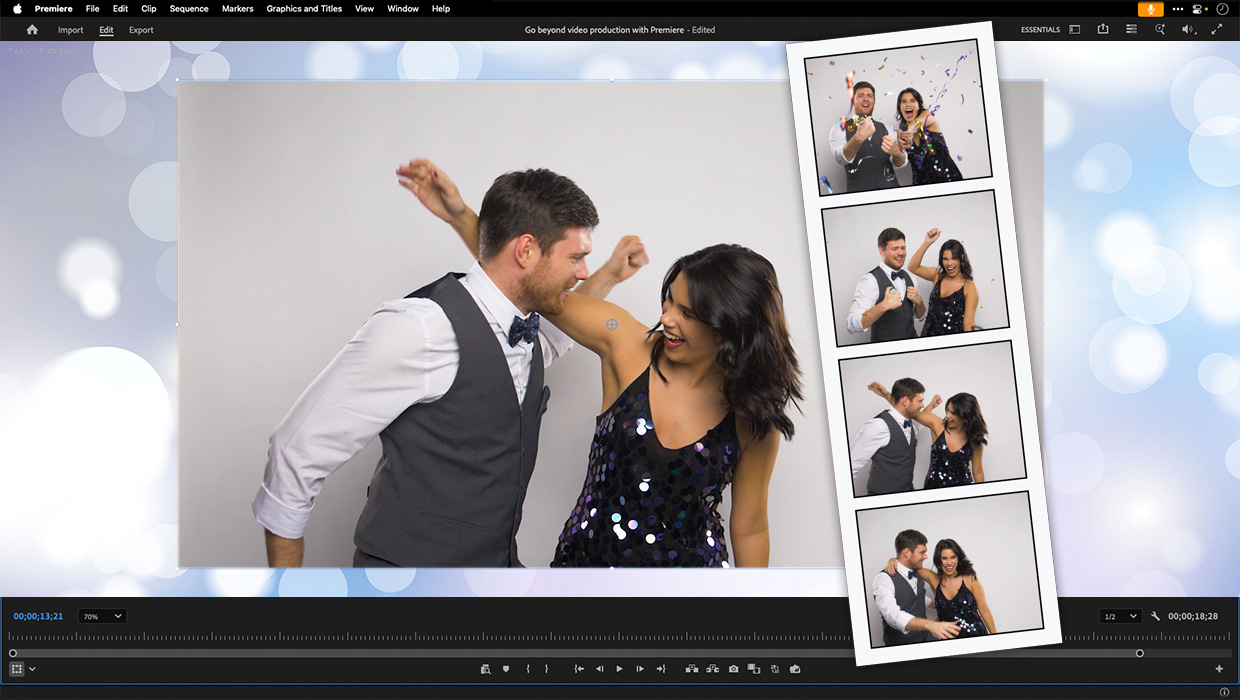
Premiere: It’s Not Just For Video
Designers using InDesign and Photoshop can look at Premiere as a surprising reso...

Why Your Print Workflow May Be Stuck in the Past
A Conversation with Adobe’s Mark Lewiecki on PDF best practices for print
Comments are closed.