




It’s easy to delete a guide on your InDesign page: Just select it with the Selection or Direct Selection tool and press Delete. But what if you want to delete all your guides? Here’s one of my favorite hidden shortcuts: Command-Option-G/Ctrl-Alt-G. That selects all the guides on the current spread. Now you can press Delete to get rid of all of them at once.
Alternately, you can choose Layout > Create Guides, turn on the Remove Existing Ruler Guides checkbox, and click OK. That also removes the guides from your spread.
This article was last modified on December 18, 2021
This article was first published on May 30, 2006
Commenting is easier and faster when you're logged in!

Recommended for you

Reduce PDF File Size the Smart Way in Acrobat
Shrink your PDF file size in Acrobat with Bart Van de Wiele.

Livestream Video: Creating 3D Lettering Using Illustrator’s Inflate Tool
Join Khara Plicanic as she shows how to create stunning 3D lettering with Illust...
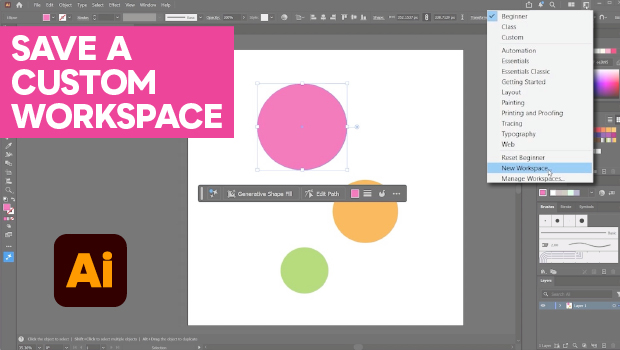
How to Make Illustrator More User Friendly
Set up your own custom workspace with Kat Kremser.