




It’s easy to select two or more cells in an InDesign table, right? You just drag the Text tool over them all. But it’s kind of a hassle to select a single cell in the table, don’t you think? Here’s the secret: Place the cursor in the cell and press the Esc key. That selects the cell itself. That wasn’t so hard, was it?
By the way, if you press Esc again, all the text in the cell is selected. The Esc key toggles back and forth between selecting the cell and its text. Cool, no?
This article was last modified on December 18, 2021
This article was first published on May 24, 2006
Commenting is easier and faster when you're logged in!

Recommended for you

Quickly Renumber a List in InDesign
Khara Plicanic shows how to renumber an InDesign list without digging through me...
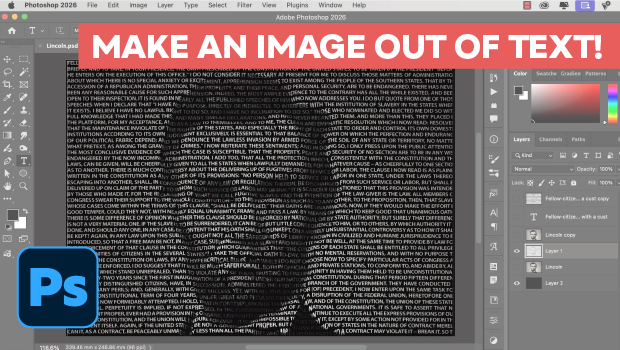
Making an Image Entirely Out of Text in Photoshop
Create a typographical wonder with Steve Caplin.

Interview with Thaddeus Coates, Artist and Character Designer
Thaddeus Coates shares his fun and fearless approach to design and how community...