




In this tutorial, you’ll start with a glassware image and remove its white background using Adobe Photoshop CS4. Because the glass was photographed as red wine was being poured into it, you’ll have to master some tricky masking techniques to make the results look realistic.
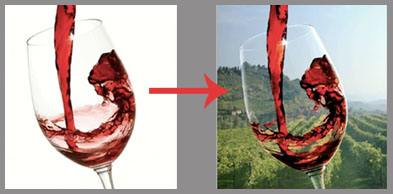
The second objective of this how-to is to help you blend the glass of red wine into a new background — a shot of an Italian vineyard flooded with sunshine. You’ll learn how to manipulate light so that the glass, its contents, and the new background all make a unified new image.
Here’s the before and after:
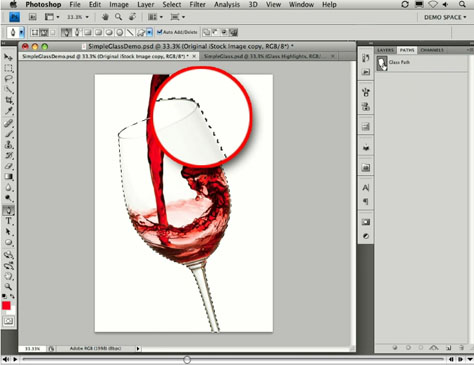
Click the image below to open the tutorial movie in a new window:
This article was last modified on January 5, 2023
This article was first published on December 23, 2009
Commenting is easier and faster when you're logged in!

Recommended for you

How to Adjust Colors Using Photoshop’s Contextual Task Bar
Learn how to use the Photoshop Adjust Colors feature to make quick, non-destruct...

How to Adjust Colors in Photoshop Using Hue and Saturation
Learn how to manipulate an image’s colors using Photoshop’s Hue and Saturation s...

Using Photoshop’s Generative Fill to Remove Objects
Learn how to simply remove items from an image in Photoshop, without extra conte...