




Someone new to Photoshop might be tempted to dismiss Gaussian Blur as something that makes stuff blurry. But the stalwart Gaussian Blur goes to the heart of what makes Photoshop Photoshop.
The term Gaussian might be best described as the thing that makes another thing drift eventually and incrementally into oblivion. Gaussian Blur underlies the Feather command, the Drop Shadow layer effect, and even Unsharp Mask. Simply put, it is the heart of detail-, depth-, and focus-enhancement in Photoshop.
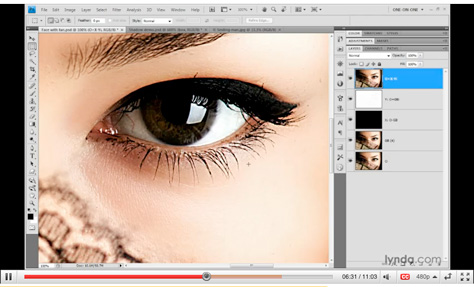
To learn how, when, and where to use it, click the image below to launch the video in another window.
This article was last modified on January 5, 2023
This article was first published on March 4, 2010
Commenting is easier and faster when you're logged in!

Recommended for you

How to Adjust Colors in Photoshop Using Hue and Saturation
Learn how to manipulate an image’s colors using Photoshop’s Hue and Saturation s...

How to Turn a Photo into Graffiti in Photoshop
Create a spray-painted masterpiece in Photoshop with Steve Caplin.

Using Photoshop’s Generative Fill to Remove Objects
Learn how to simply remove items from an image in Photoshop, without extra conte...