




I can’t think of anyone who knows more about the elements of a layout than Nigel French. The man is a master of working with grids, he literally wrote the book on InDesign typography, and he knows plenty about images, effects, and how to put everything together efficiently in InDesign. So who better to put out a new Lynda.com course called InDesign: Elements of a Layout?
In the free video below, Nigel shows the ins and outs of working with headlines. Check it out!
Headlines
For Lynda.com members, if you are currently signed in to your account, you can also check out these videos from the series.
Not a Lynda.com member?
Get 10 days of free unlimited access to Lynda.com.
Body Text Indentation and Spacing
Pull quotes
Sidebars and Callouts
This article was last modified on March 5, 2025
This article was first published on June 3, 2016
Commenting is easier and faster when you're logged in!

Recommended for you
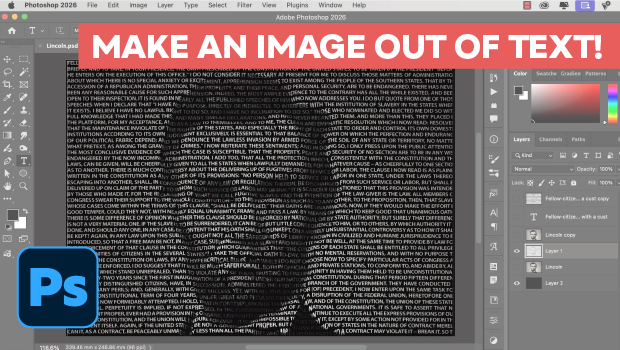
Making an Image Entirely Out of Text in Photoshop
Create a typographical wonder with Steve Caplin.
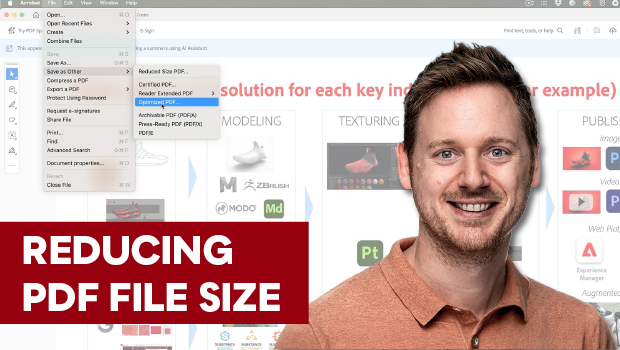
Reduce PDF File Size the Smart Way in Acrobat
Shrink your PDF file size in Acrobat with Bart Van de Wiele.
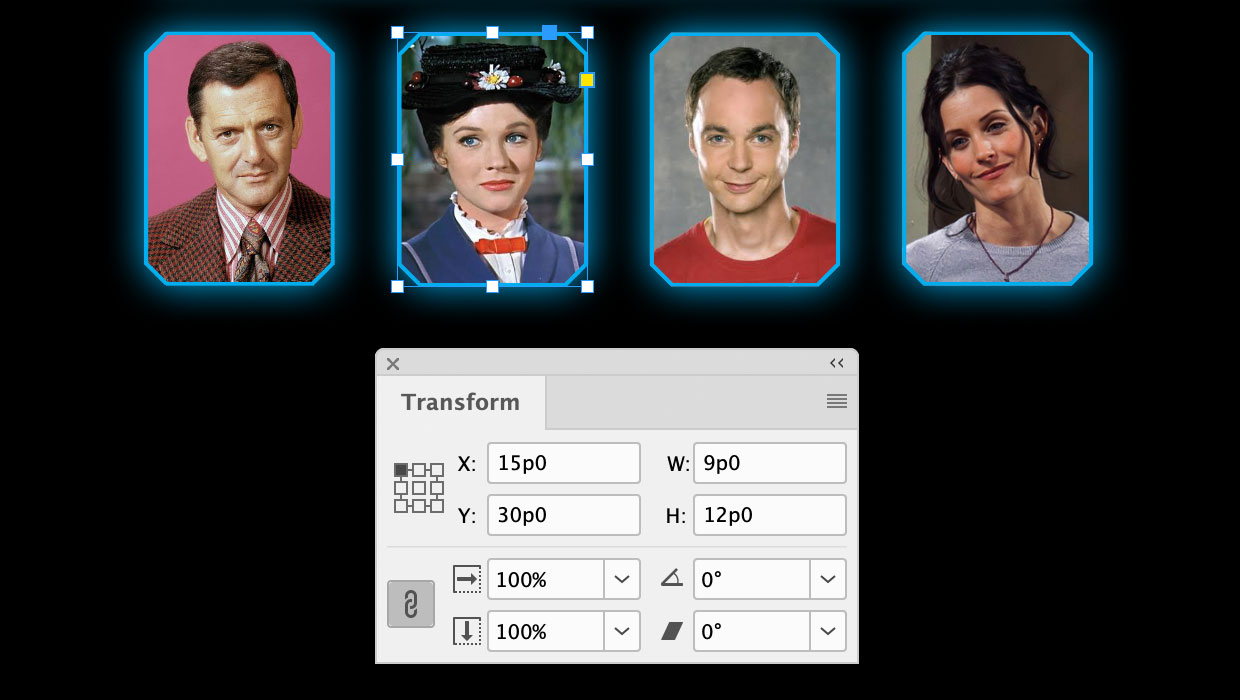
A Script to Round off Size and Position Values in InDesign
Instantly clean up "messy" values by rounding them off to the nearest whole poin...