




This tip was sent to Tip of the Week email subscribers on September 17, 2015.

Sign up now and every week you’ll get a new InDesign Tip of the Week and Keyboard Shortcut of the Week, along with roundups of new articles at InDesignSecrets and CreativePro, plus exclusive deals sent right to your Inbox!
Just scroll all the way down to the bottom of this page, enter your email address, and click Go! We’ll take care of the rest. Now, on with the tip!
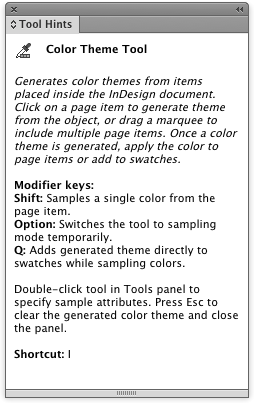
If you’re just learning InDesign (or you’ve been using it forever but still like to be reminded of what the application can do), open the Tool Hints panel (Window > Utilities > Tool Hints).
It will display how your currently selected tool works, related keyboard shortcuts, and other tidbits of useful information.
This article was last modified on July 25, 2019
This article was first published on September 22, 2015
Commenting is easier and faster when you're logged in!

Recommended for you
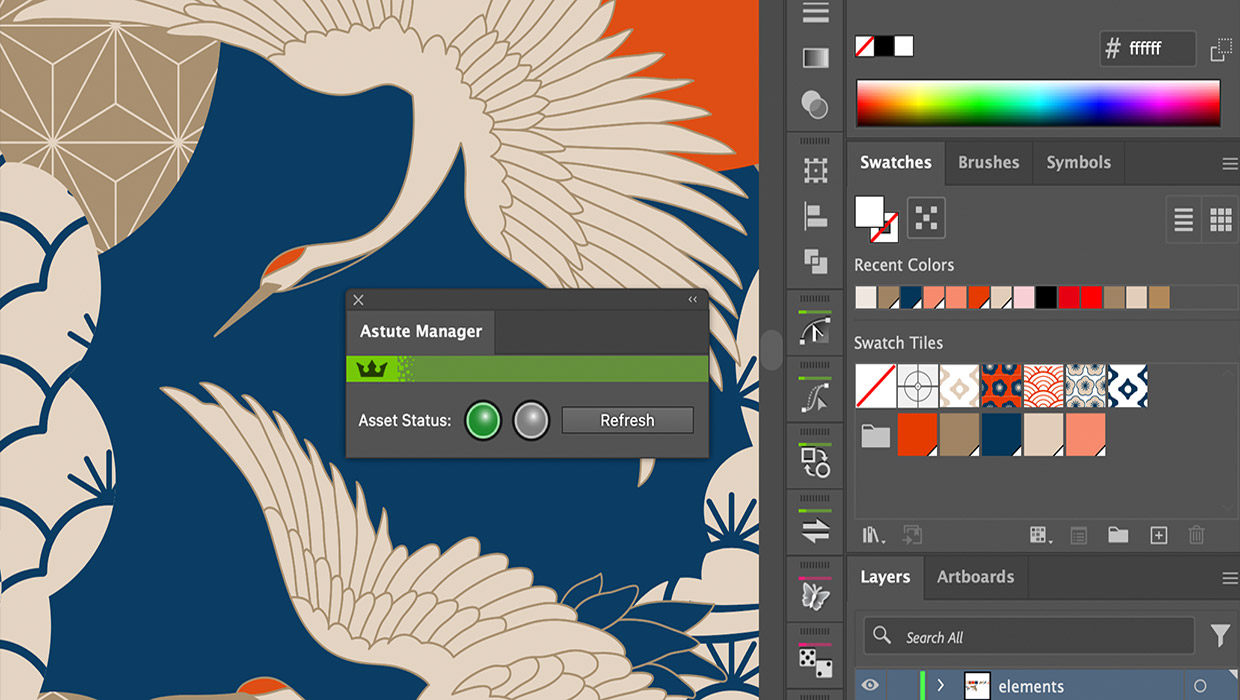
Review: Astute Manager Pro
This new service makes it easy to back up, restore, and sync your Illustrator se...
Navigating and Customizing the Premiere Interface
Are you a Premiere beginner? Get started and customize your workspace with Myra...
Tips to Control Photoshop Layers
Khara Plicanic shares smart Photoshop Layers panel tips to help you find and man...