




We’ve all heard of drop caps, but have you ever heard of a drop word? Well, you have if you’ve read this post, in which David Blatner details his method for making entire words (of any length) take on the position and formatting of drop caps.
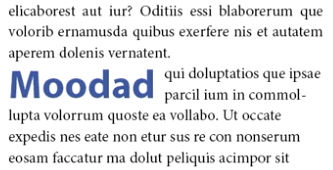
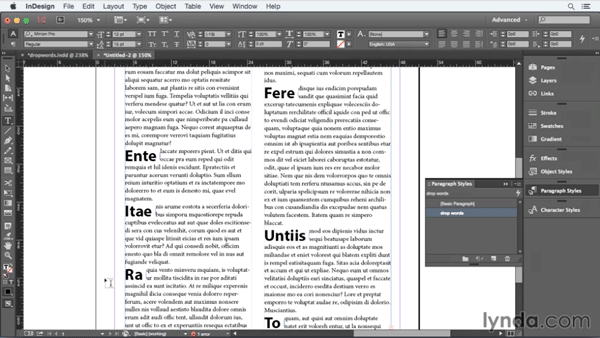
There isn’t a single feature in InDesign to accomplish this trick, but that’s no obstacle to David. He gets the job done with a combination of styles and text wrap. And in the latest free video from the InDesignSecrets series at lynda.com, you can see the magic of creating drop words.
This article was last modified on March 5, 2025
This article was first published on August 7, 2015
Commenting is easier and faster when you're logged in!

Recommended for you
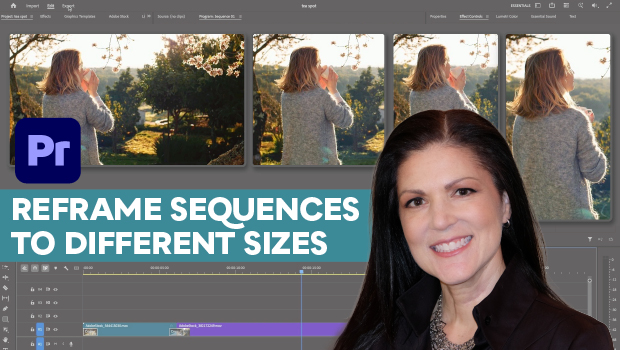
How to Export Videos in Different Aspect Ratios from Premiere
Quickly reframe your video for any social media platform with Myra Ferguson.
Set Up Your InDesign Documents Like a Pro
Set up InDesign documents like a pro with these expert tips from Laurie Ruhlin.
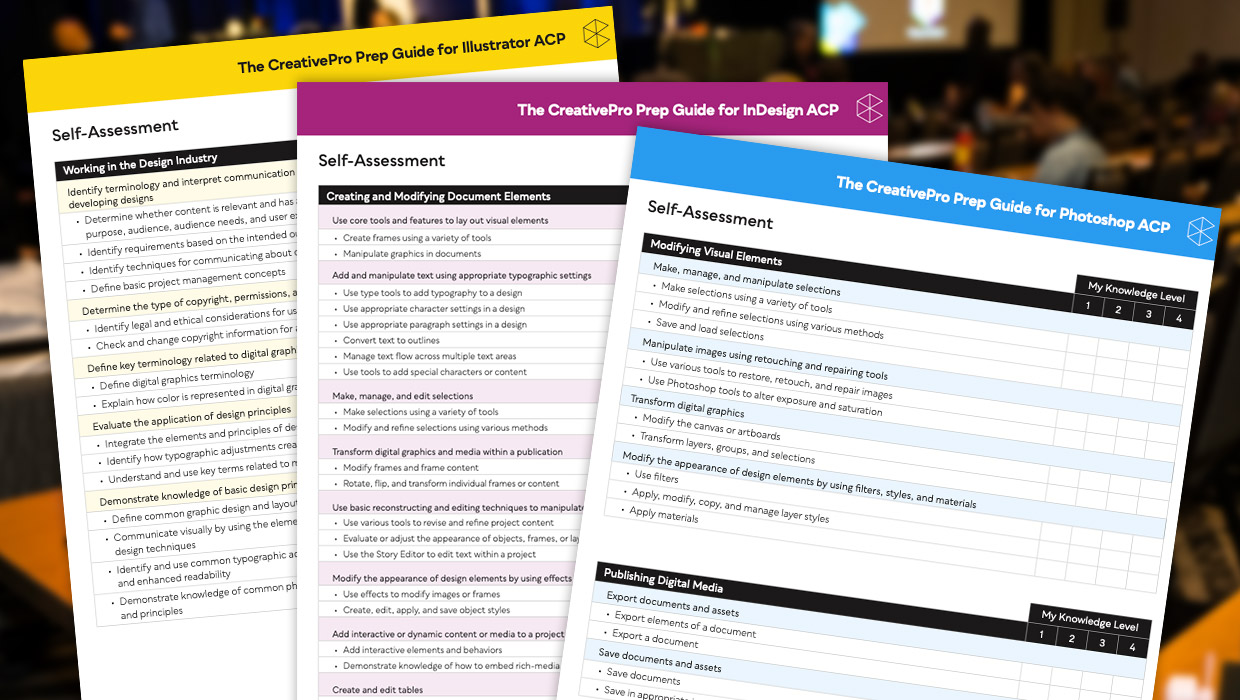
Adobe Certified Professional Exam Prep Guides
Use these self-assessment guides to determine what you should study to pass the...