




The ability to anchor objects in a text frame is one of the most useful (and at times most confusing) features in InDesign. And anchoring items so that the maintain their position relative to other objects in your layout is the topic of a free video in the InDesignSecrets video at lynda.com.
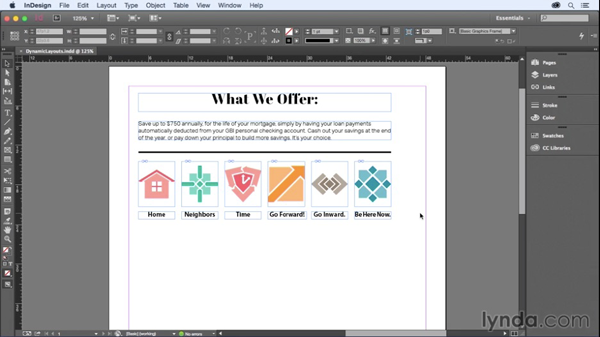
In the video, David Blatner shows how to create dynamic layouts where items move automatically in response to text edits by carefully setting up anchored object options. With this tip, you can save tons of time by not having to reposition items manually. Check it out!
This article was last modified on March 5, 2025
This article was first published on June 26, 2015
Commenting is easier and faster when you're logged in!

Recommended for you

Adobe Unveils Major Expansion of Creative Agent Across Firefly and Creative Cloud Apps Including Photoshop and Premiere
Adobe is giving creative professionals an AI Assistant that orchestrates multi-s...
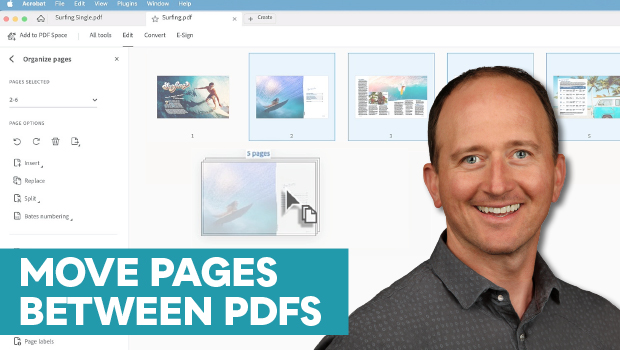
How to Move Pages Between PDFs with Adobe Acrobat
Learn how to move pages between PDF files with Chad Chelius.
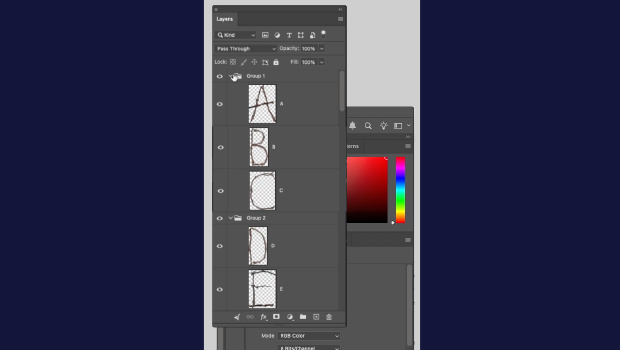
How to Collapse All Layer Groups in Photoshop
Khara Plicanic shows how to manage your layer groups in Photoshop with one quick...