




Ever have to format a list or table with currency symbols like dollar signs, yen, or euros? Typing those symbols over and over would get pretty boring pretty quickly. And you don’t have to. You just need to learn the trick that David Blatner shows in the latest InDesign Secrets video at LinkedIn Learning (lynda.com),
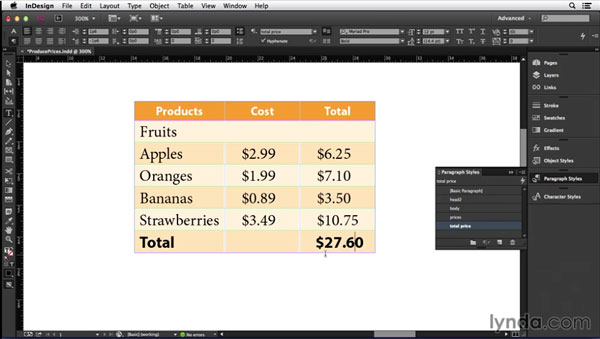
In the video, David shows how to set up paragraph styles to automatically apply any currency symbol, so you can format things like a table of prices almost instantly.
This article was last modified on March 5, 2025
This article was first published on October 10, 2014
Commenting is easier and faster when you're logged in!

Recommended for you
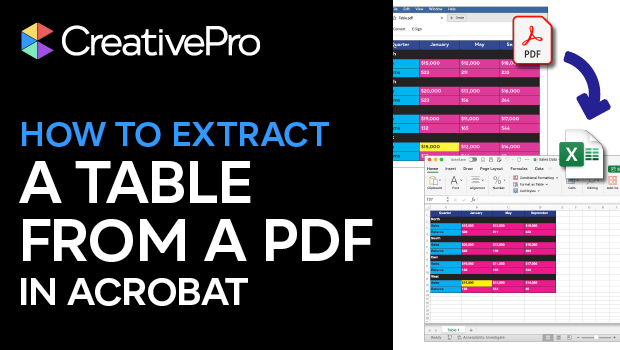
How to Extract a Table from a PDF in Acrobat
Get your data out of a PDF and into an Excel Workbook with this quick Acrobat tr...
Free Webinar: Bullets and Numbering in InDesign
Learn awesome pointers about bullets, lists, and numbering in InDesign.

Free Webinar: Super Simple PowerPoint Slides
Learn how to quickly create simple, professional slides that connect with your a...