




For InDesign users there are a few certainties in life: death, taxes, and the fact that somewhere along the line you’re going to have to deal with Microsoft Word documents.
And when you place content from Word into InDesign, you have to decide how you want to handle any images that came along with the text. By default, InDesign will import inline graphics along with the text. And those images become embedded in your InDesign files. This is can be useful since you don’t have to deal with the chore of placing the images separately. But it also means that you can’t edit those images, and if they’re large they can bloat your InDesign file size.
Fortunately, you can quickly unembed images that came from placed Word docs, using the technique that David Blatner shows in his latest InDesign Secrets video on lynda.com.
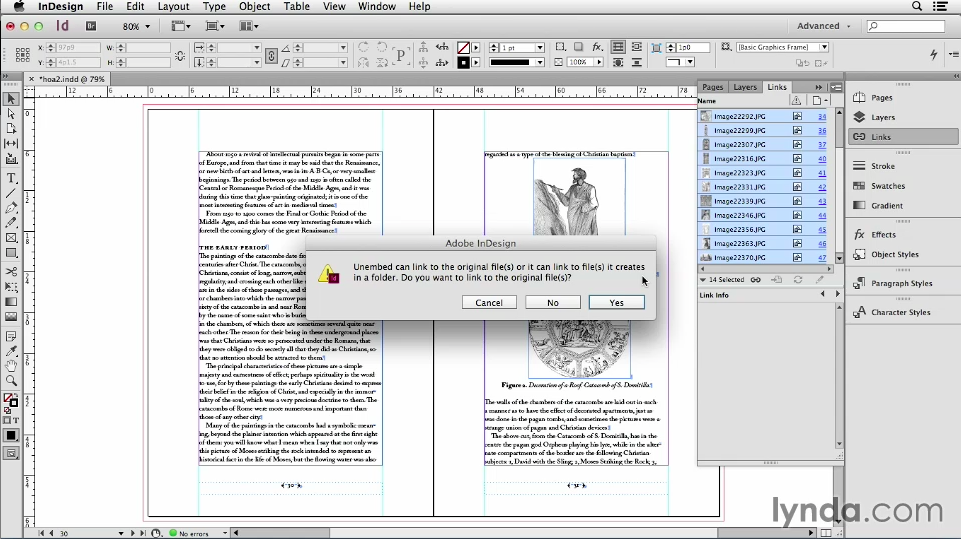
In the video, David also demonstrates how to easily extract all the images from a Word document so you can edit them, place them in other InDesign documents, etc.
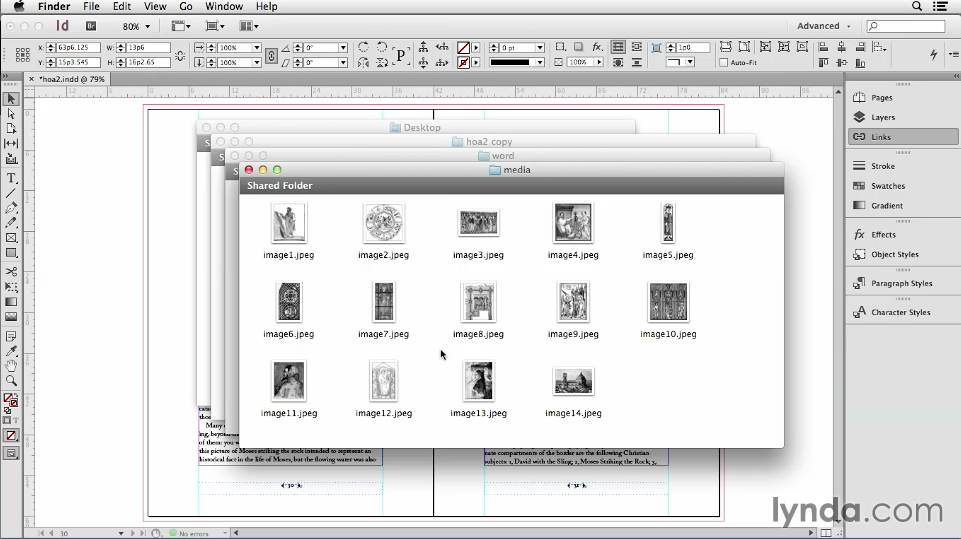
So check out the video and take control over the images that come from your Microsoft Word documents. But when it comes to death and taxes, you’re still on your own.
This article was last modified on March 5, 2025
This article was first published on August 14, 2014
Commenting is easier and faster when you're logged in!

Recommended for you

Adobe Unveils Major Expansion of Creative Agent Across Firefly and Creative Cloud Apps Including Photoshop and Premiere
Adobe is giving creative professionals an AI Assistant that orchestrates multi-s...

Editor’s Picks for The Design + Marketing Summit 2026
Our Editor in Chief lists his must-see sessions for The Design + Marketing Summi...
Before&After: How to Design a Second Page
You've designed a beautiful outside. How do you follow it up inside? Simply.