

In the latest episode of InDesign Secrets on lynda.com, David Blatner shares his must-know tips and tricks for using the Paste Into feature, which he calls “one of the coolest and most important features in InDesign.” And unfortunately as David points out, Paste Into is also one of InDesign’s least intuitive features.
For example, you might not know why the feature won’t work if you simply try to copy a few objects and paste them into an empty frame. Or you might be mystified by the position of an image you paste into another frame. David sheds light on both of these mysteries. He also shows the best way to select objects you’ve pasted into other frames, as well as how to quickly remove an object from a frame that you’ve pasted in into.
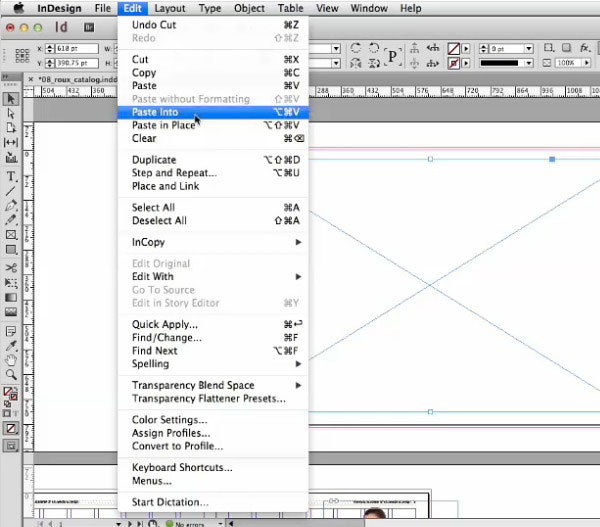
Check it out now: Cropping with Paste Into.
This article was last modified on March 5, 2025
This article was first published on July 3, 2014
Commenting is easier and faster when you're logged in!

Recommended for you
Adobe Print Services Aims to Make Every File Print Ready
Adobe's new print technology promises to fix, enhance, and embellish PDFs automa...
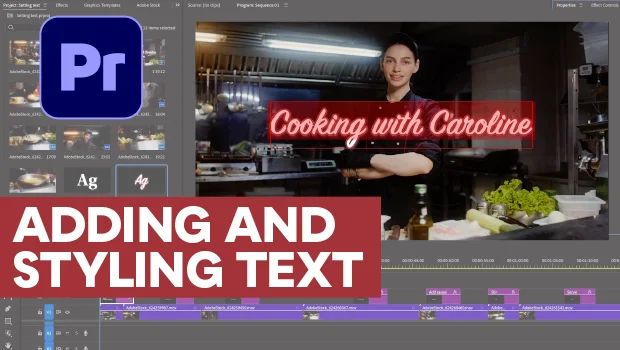
Adding and Styling Text in Premiere
Myra Ferguson covers text formatting and safe margins in Premiere.