



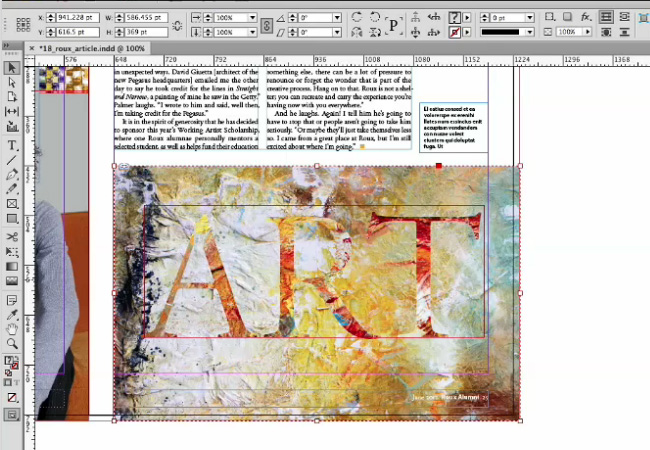
In the latest episode of InDesign Secrets on lynda.com, David Blatner shows an amazingly simple and effective way to create transparency masks in InDesign. With David’s technique, you can use live, editable text as a mask to punch a hole in an image and reveal what’s beneath it. There are a few ways to do this cool trick in InDesign; I showed one of them in issue #62 of InDesign Magazine.
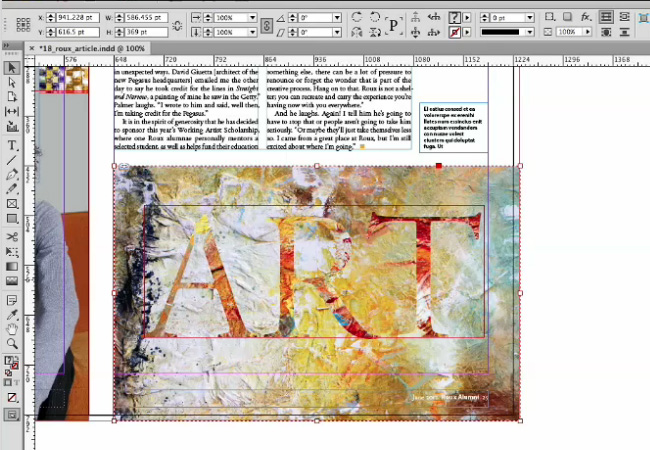
In the video, David also mentions how to ensure the masking effect will render properly in a PDF, even if you’re not using an Adobe PDF-reading application.
Check it out now: Making a Tranparency Mask
This article was last modified on March 5, 2025
This article was first published on June 22, 2014
Commenting is easier and faster when you're logged in!

Recommended for you

How to Make a Transparent Background in Photoshop
Khara Plicanic waves her Magic Wand tool and makes the background of her image d...
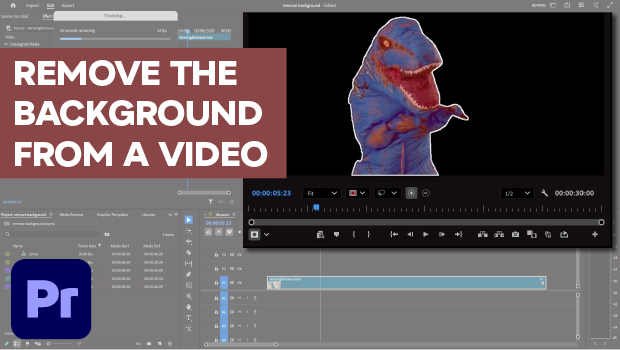
Remove the Background From a Video in Premiere
Use the new Object Masking tool to remove a video background in Premiere.

Why Your Print Workflow May Be Stuck in the Past
A Conversation with Adobe’s Mark Lewiecki on PDF best practices for print