


This tutorial is an installment of The Russell Brown Show.
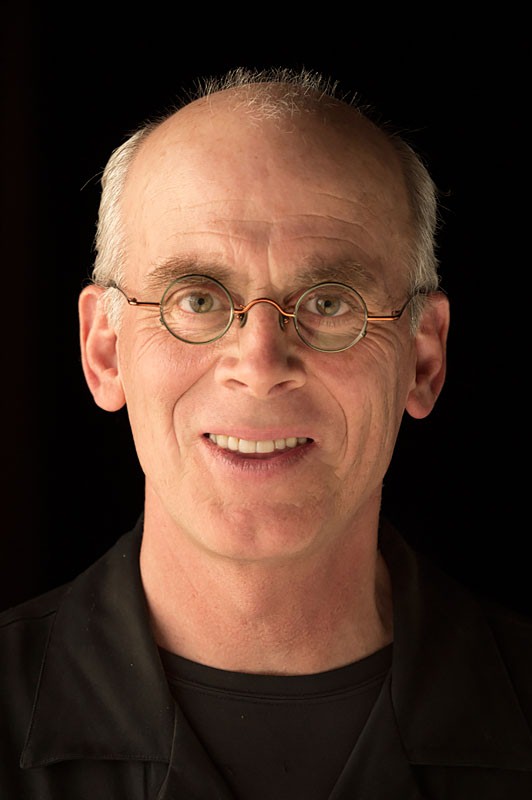
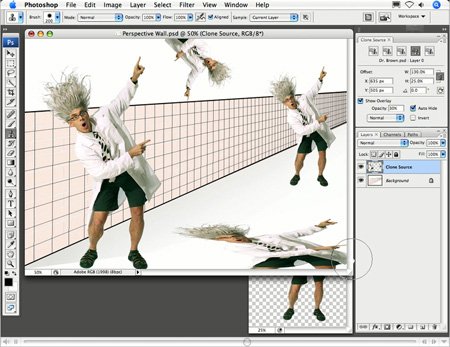
With the help of the crazy Dr. Brown (also known as Russell Brown, senior creative director at Adobe), you’ll see how Photoshop CS3’s new Clone Source panel works with the Clone Stamp tool to create amazing effects.
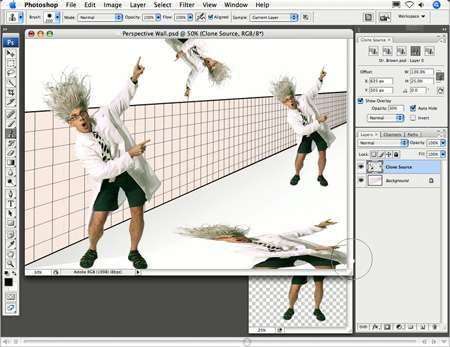
Using the five unique settings of the Clone Source panel, you can create multiples of the mad Dr. Brown!
Click on the image below to begin streaming the 6.4MB QuickTime tutorial:
If you do not have QuickTime installed, you can get it here:

This article was last modified on January 4, 2023
This article was first published on August 10, 2007
Commenting is easier and faster when you're logged in!

Recommended for you

Using Photoshop’s Generative Fill to Remove Objects
Learn how to simply remove items from an image in Photoshop, without extra conte...

How to Turn a Photo into Graffiti in Photoshop
Create a spray-painted masterpiece in Photoshop with Steve Caplin.

How to Adjust Colors Using Photoshop’s Contextual Task Bar
Learn how to use the Photoshop Adjust Colors feature to make quick, non-destruct...