




Just finished listening to the podcast and thought I’d mention my feelings about the obscure feature of the week (eek, eek, eek): The Smooth Tool.
I use the Smooth tool on the rare occaisions that I need to make a clipping path out of the Detect Edges command. It’s not great, but it does help a bit.
However, I thought I’d throw in some thoughts about paths, and editing paths. (Vectorbabe that I am.)
First, the Smooth tool will work on frames, paths, or clipping paths. Sadly, it does not work on text wrap paths.
However, if you need to clean up or smooth out a text wrap path, you can direct select to see the path, and then switch to the Pen tool. The Pen tool can then delete or add extra points as needed.
This article was last modified on December 18, 2021
This article was first published on December 7, 2006
Commenting is easier and faster when you're logged in!

Recommended for you
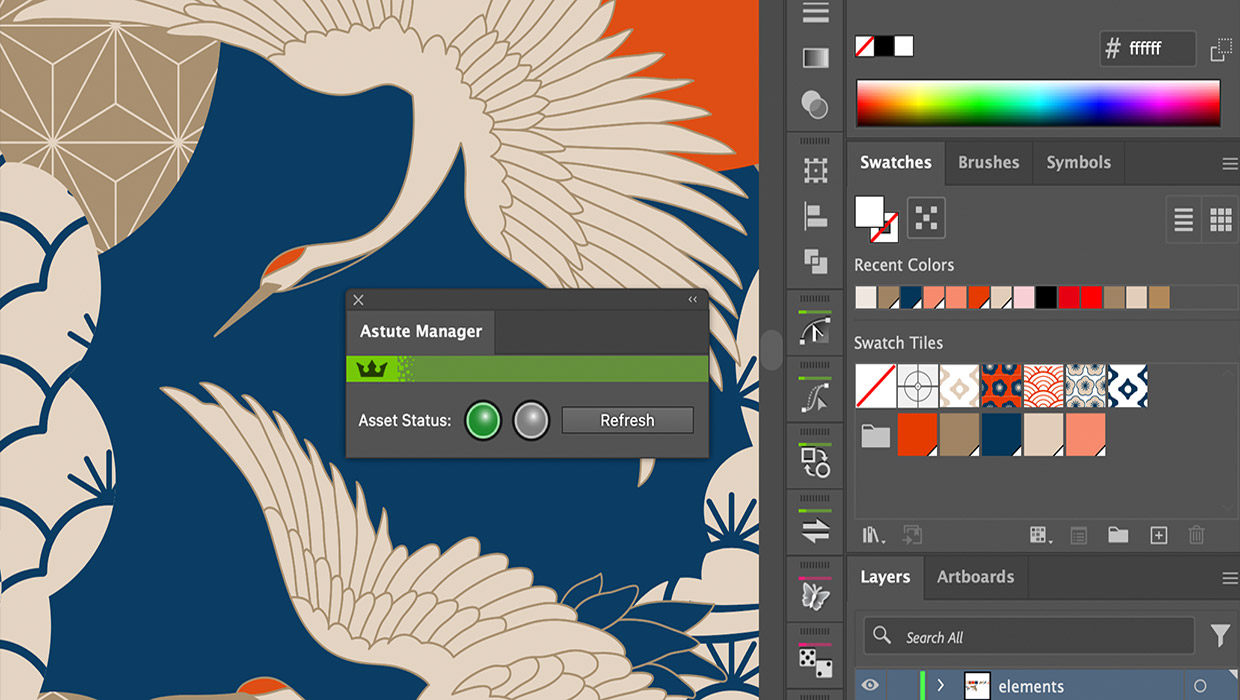
Review: Astute Manager Pro
This new service makes it easy to back up, restore, and sync your Illustrator se...
Keep Footer Info Always Visible in InDesign
Keep your full-page photographs from blocking headers and footers in InDesign wi...

Interview with Nicte Cuevas, Brand Strategist and Designer
An award-winning strategist shares how personal resilience, cultural heritage, a...