




In this week’s CreativePro video, Nolan Haims shows how to use Powerpoint’s Summary Zoom to focus in on a particular slide and back out again to a selection of slides. He uses this method as a great alternative to boring and uninteresting bullet points. This video comes from Nolan’s “Alternatives to Bullet Points” session at CreativePro’s Click Conference.
New videos every Tuesday on our CreativePro YouTube channel. Be sure to subscribe so you don’t miss any!
This article was last modified on August 29, 2025
This article was first published on March 24, 2020
Commenting is easier and faster when you're logged in!

Recommended for you

Creating Fluffy Text with AI in Photoshop
How to create a fun text effect that looks like fluffy fur on a grass background...
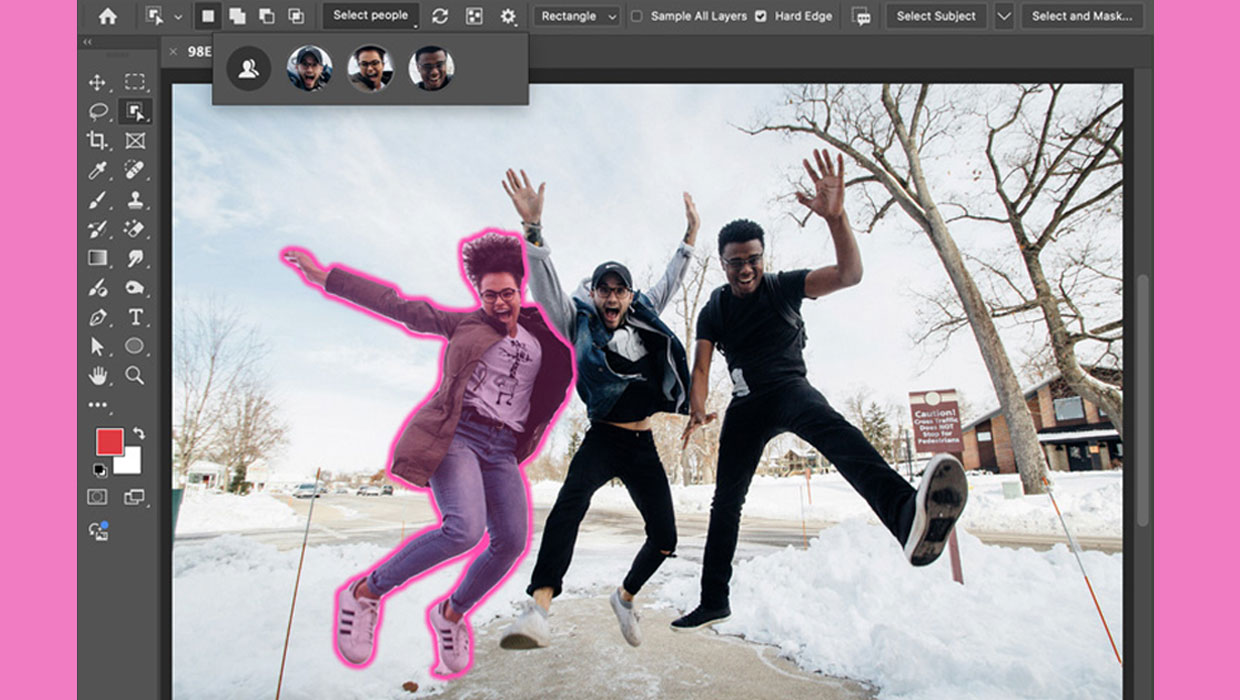
New Features in Photoshop 2025
New features in Photoshop 2025 including powerful new ways to select, mask, and...
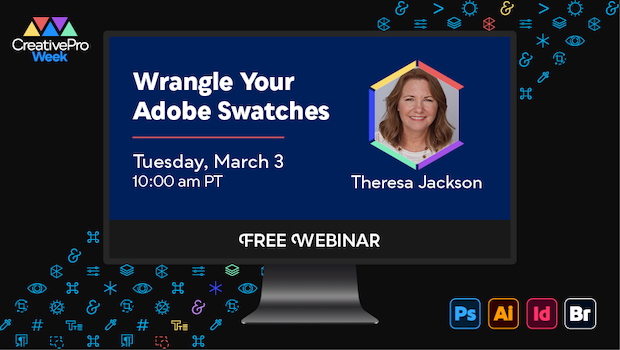
Free Webinar: Wrangle Your Adobe Swatches
Learn practical, time-saving ways to organize, share, and control color across A...