



In this week’s CreativePro video, Nolan Haims demos how he fills an image to fit a slide, without going out to Photoshop. This tip comes in handy, especially when converting a presentation with a 4:3 aspect ratio to 16:9.
New videos every Tuesday on our CreativePro YouTube channel. Be sure to subscribe so you don’t miss any!
This article was last modified on August 29, 2025
This article was first published on October 9, 2019
Commenting is easier and faster when you're logged in!

Recommended for you

Enlarging Images in Photoshop with AI Partner Models
A comparison of techniques for increasing the resolution of images with the help...
The Designer’s Guide to AI and Copyright
AI is the new normal, but do you know the laws to keep you and your work protect...
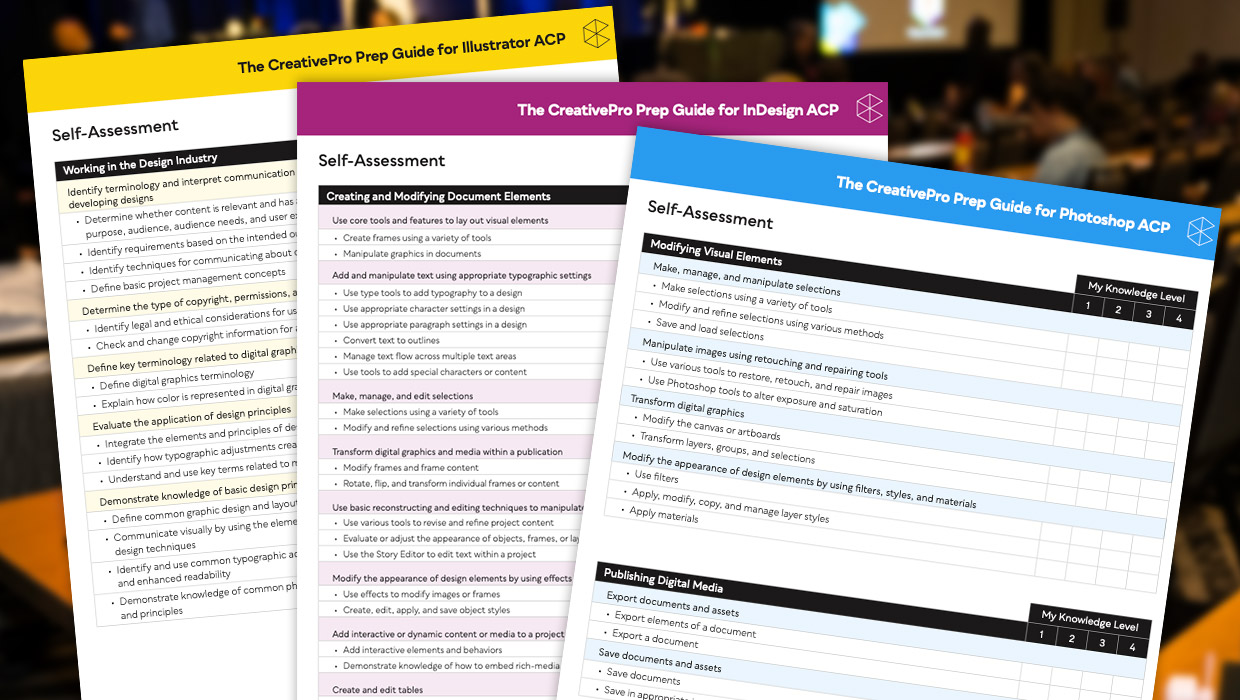
Adobe Certified Professional Exam Prep Guides
Use these self-assessment guides to determine what you should study to pass the...