



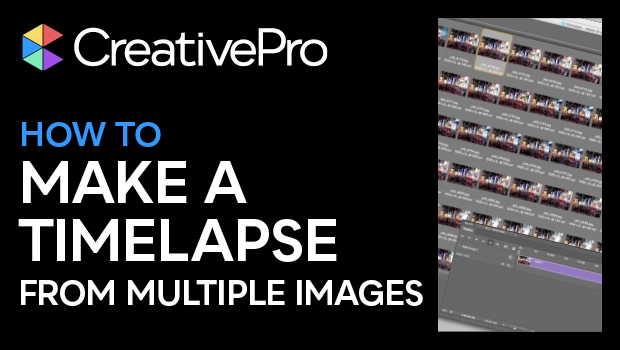
In this Three Minutes Max video, Colin Smith gives us a quick tip to create a time-lapse video from several photos in Photoshop. He demonstrates checking the images in Bridge, then simply creating an image sequence from the images. Colin goes on to demo adding an effect over the entire sequence at once.
Three Minutes Max comes from a fun—yet very competitive—session at our annual CreativePro Week conference. Speakers have three minutes to wow the audience with the tip and win a prize for a lucky conference attendee.
Subscribe to the CreativePro YouTube channel for more helpful design tips!
This article was last modified on January 25, 2024
This article was first published on March 12, 2019
Commenting is easier and faster when you're logged in!

Recommended for you
Before&After: Design a Card the Easy Way
A photo and one block of type are all it takes to make a beautiful business card...
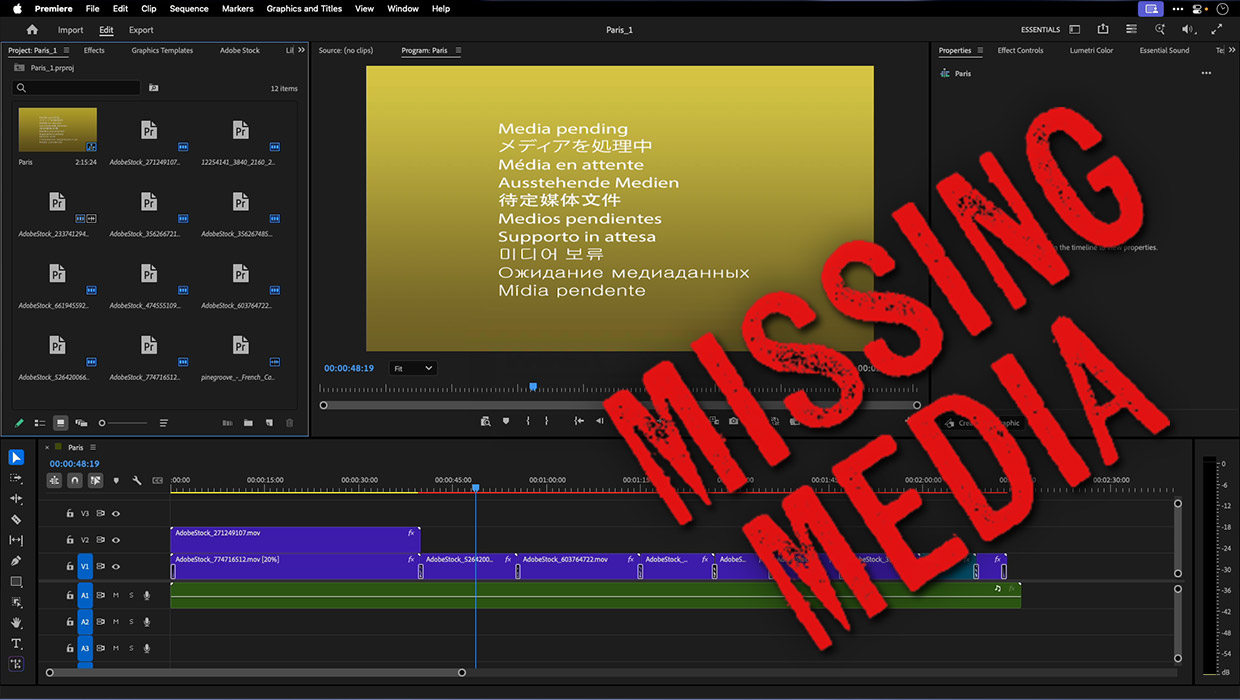
How to Fix Missing Content Problems in Premiere
Learn what the media warnings in Premiere mean and how to address them
Interview with Nicte Cuevas, Brand Strategist and Designer
An award-winning strategist shares how personal resilience, cultural heritage, a...