



Illustrator has a few ways of viewing a document—or just parts of one—and Dave Cross shares a few of those tricks in this video. Whether you need to jump back and forth between two views, or work on detail while seeing how it affects the entire document, Dave has the inside scoop on how to make it happen.
This video is an excerpt from Dave’s “Power Tips for Illustrator” session at CreativePro Week 2018.
New videos every Tuesday on our CreativePro YouTube channel. Be sure to subscribe so you don’t miss any!
This article was last modified on August 29, 2025
This article was first published on March 5, 2019
Commenting is easier and faster when you're logged in!

Recommended for you
How to Make Illustrator More User Friendly
Set up your own custom workspace with Kat Kremser.
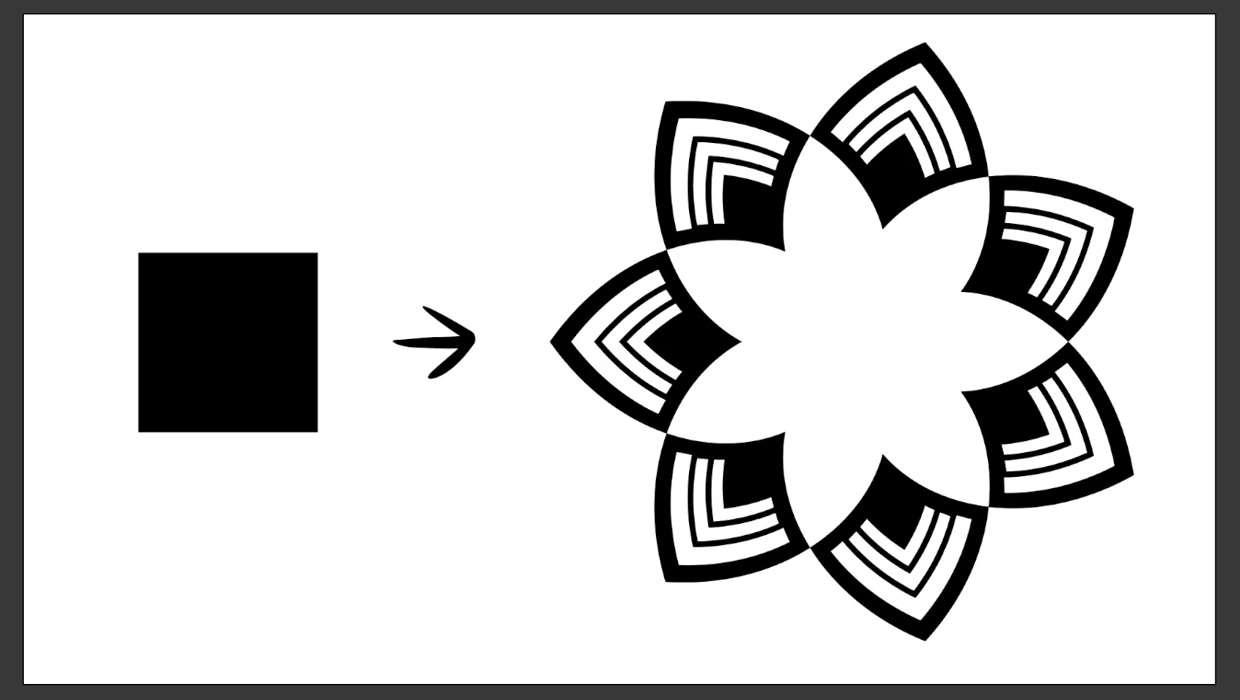
Create a Reusable Art Deco Pattern Brush in Adobe Illustrator
One of Illustrator’s greatest strengths is the ability to easily make reusable d...
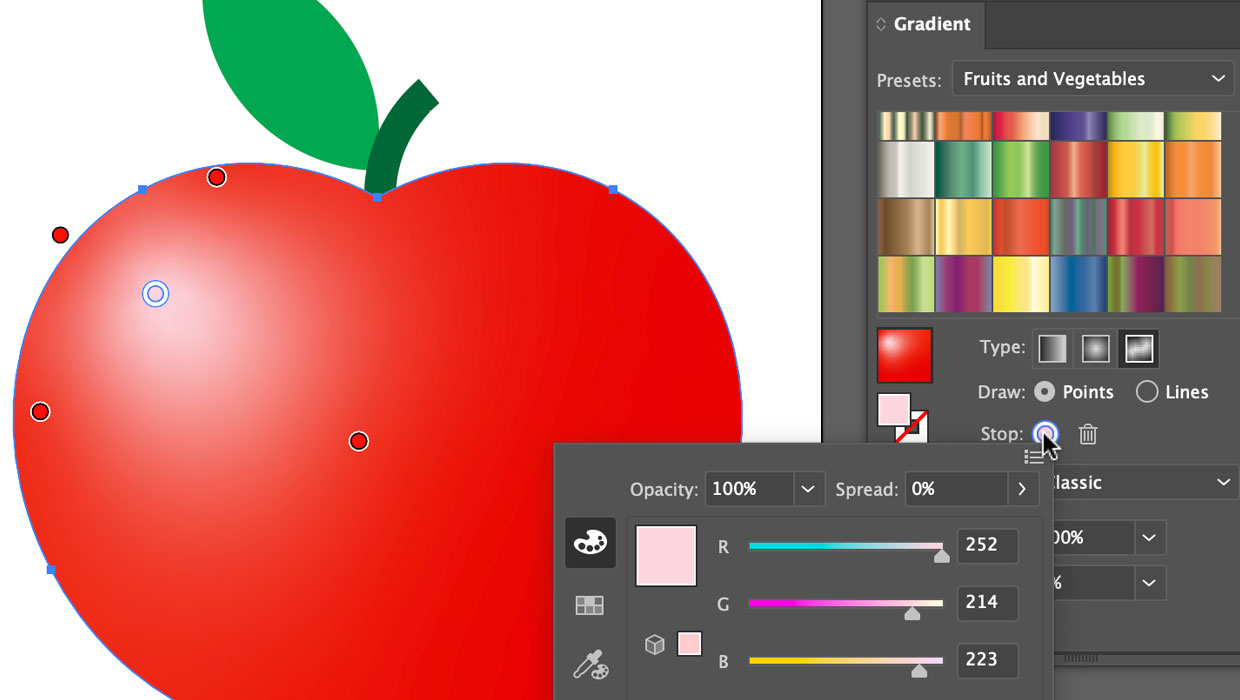
Using the Gradient Panel in Illustrator
A quick introduction to creating, modifying, and outputting gradients in Illustr...