




Dave wrote us,
How do you change a Pantone color name in InDesign? We’re trying to change the name and it’s locked.
It’s pretty simple. After you create the Pantone swatch, change the Color Mode dropdown menu from “Pantone [whatever]” to CMYK. You can leave the Color Type set at Spot. Once it’s in CMYK mode, the field is unlocked, and you can rename it.
Updated Jan. 5, 2023
This article was last modified on January 5, 2023
This article was first published on September 21, 2006
Commenting is easier and faster when you're logged in!

Recommended for you
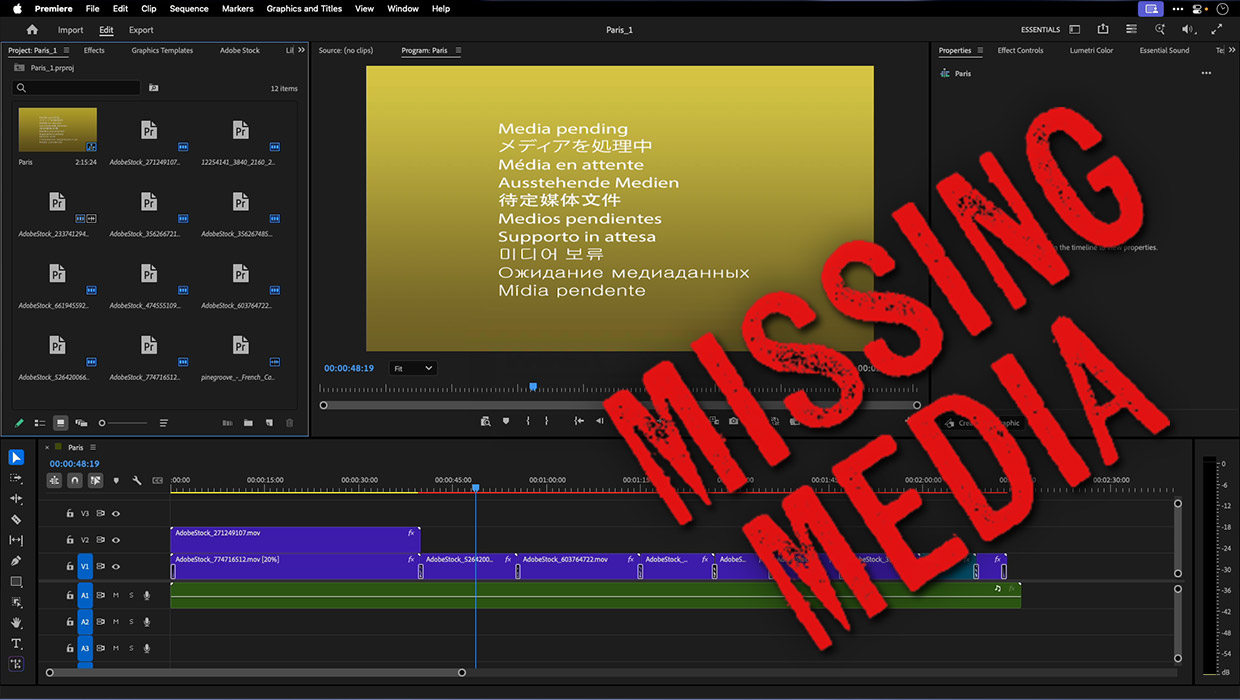
How to Fix Missing Content Problems in Premiere
Learn what the media warnings in Premiere mean and how to address them

Interview with Thaddeus Coates, Artist and Character Designer
Thaddeus Coates shares his fun and fearless approach to design and how community...

Adobe Unveils Major Expansion of Creative Agent Across Firefly and Creative Cloud Apps Including Photoshop and Premiere
Adobe is giving creative professionals an AI Assistant that orchestrates multi-s...