



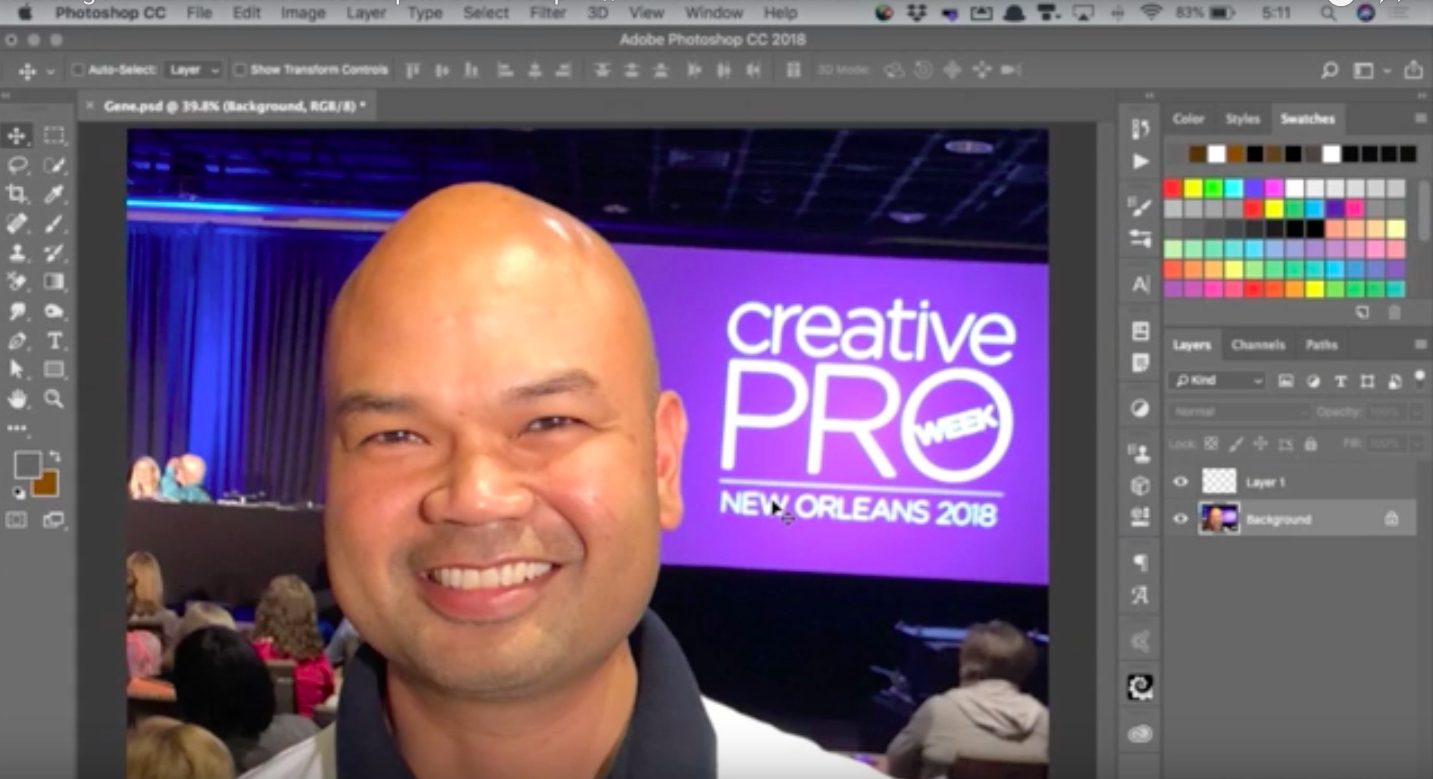
In this week’s CreativePro CreativePro video, Steve Caplin uses Photoshop to make a CreativePro Week attendee look more like CreativePro’s own David Blatner. By using a brush made to look like hair and playing with blur, he gives Gene a new ‘do and a beard. And—just in time for Halloween—the results are just slightly on the creepy side!
New videos every Tuesday on our CreativePro YouTube channel. Be sure to subscribe so you don’t miss any!
This article was last modified on October 16, 2018
This article was first published on October 16, 2018
Commenting is easier and faster when you're logged in!

Recommended for you
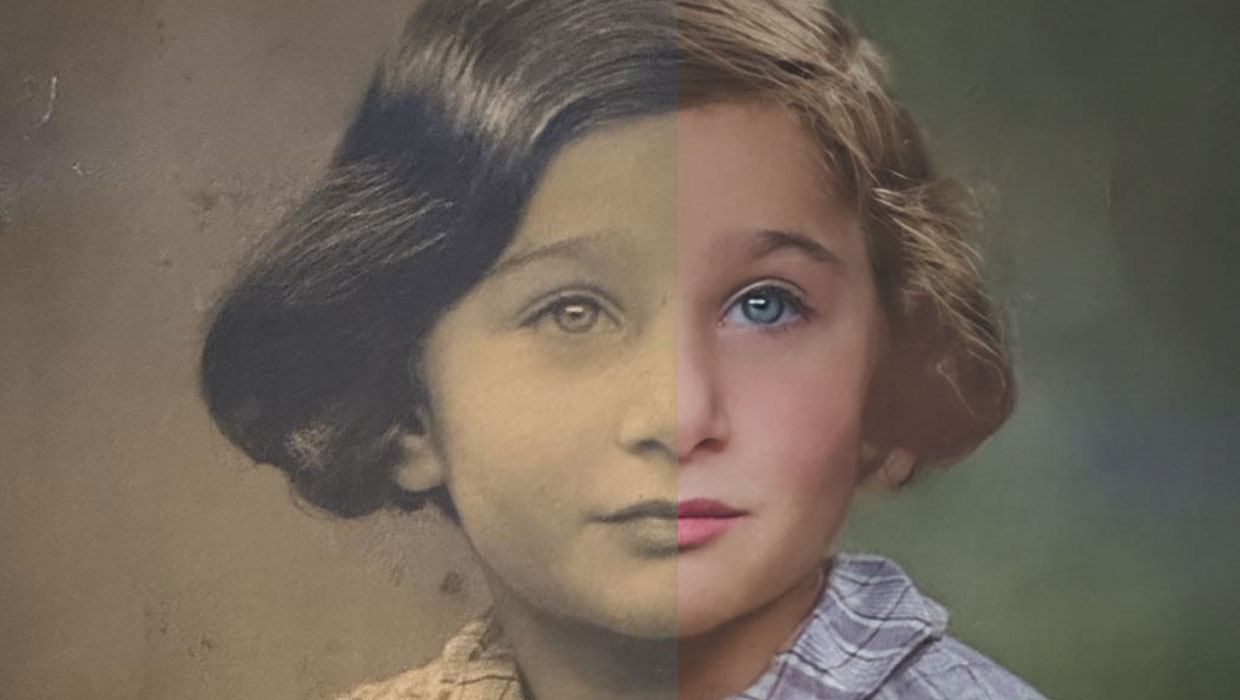
Using the Photo Restoration Neural Filter in Photoshop
This Neural Filter uses AI to remove scratches and other damage, and enhance fac...

Work Week Projects: Get Get a Grip on Photoshop’s AI Tools
Five quick exercises to do while you're at work to get comfortable using the gen...

Creating Fluffy Text with AI in Photoshop
How to create a fun text effect that looks like fluffy fur on a grass background...