



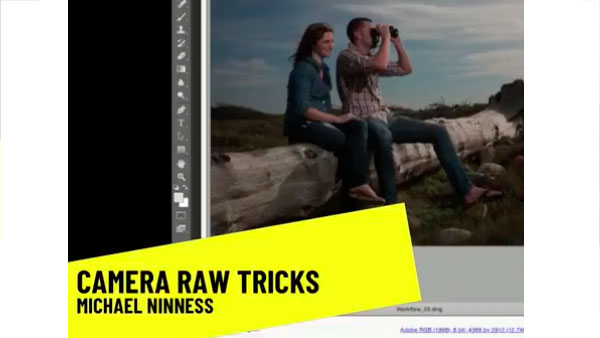
In the following CreativePro video, Michael Ninness shows us how to use Camera Raw for easy image editing in Photoshop. From adjusting contrast, white balance, and vibrance to fixing blemishes and artifacts, he demonstrates why Camera Raw should just be Photoshop’s default workspace. From CreativePro Week.
New videos every Tuesday on our CreativePro YouTube channel. Be sure to subscribe so you don’t miss any!
This article was last modified on August 31, 2018
This article was first published on August 31, 2018
Commenting is easier and faster when you're logged in!

Recommended for you

Free Webinar: Cross App Power Hour with Illustrator, InDesign, and Firefly
Explore practical AI-powered tools in Illustrator, InDesign, and Firefly that wi...

Opinion: InDesign’s Auto-generate Alt Text Feature Needs to Change
How it might damage your accessibility workflow and how it can be fixed
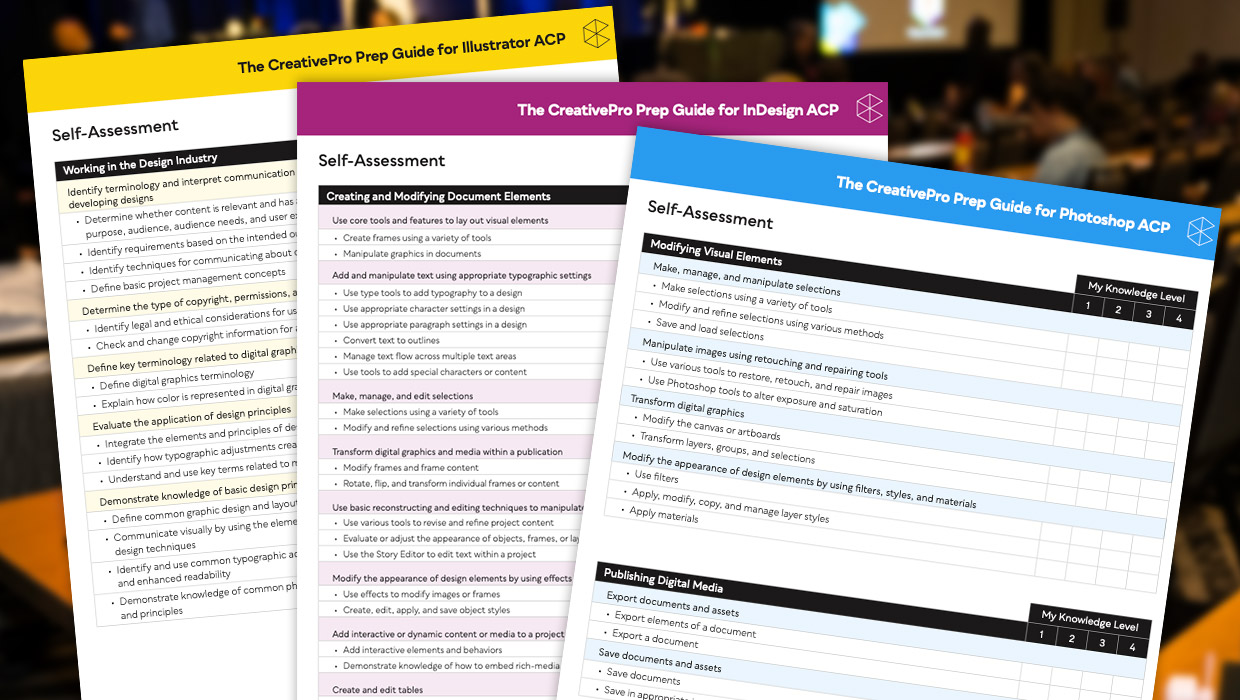
Adobe Certified Professional Exam Prep Guides
Use these self-assessment guides to determine what you should study to pass the...