



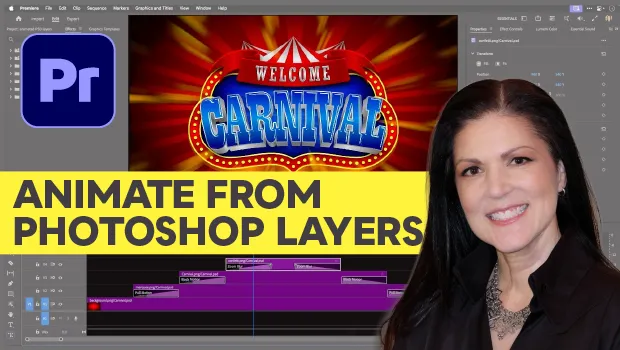
In this Premiere how-to video, Myra Ferguson shows how to quickly animate layered Photoshop files. She imports a PSD directly as a sequence, which allows Premiere to automatically stack the layers and set a default clip length. Finally, Myra applies preset Film Impact transitions to the layers to create her animation effect.
Note that Film Impact transitions are available in Premiere versions 25.2+.
Subscribe to the CreativePro YouTube channel for more helpful design tips!
This article was last modified on August 21, 2026
This article was first published on August 21, 2026
Commenting is easier and faster when you're logged in!

Recommended for you
Livestream Video: How to Design a Photo Book in InDesign
Watch Khara Plicanic demonstrate how to design a beautiful a photo book in InDes...
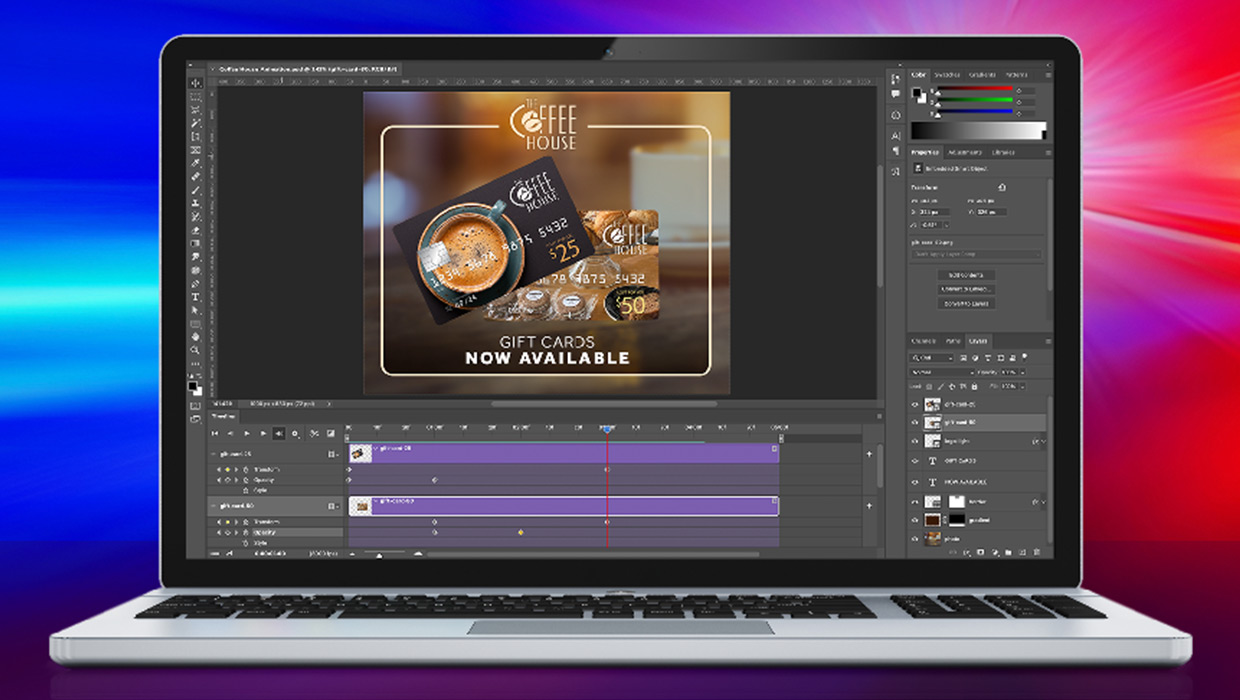
Compositing Video in Photoshop
Tips for using masks, blend modes, filters, and more with video in Photoshop.
Create an Animated Button Outline in PowerPoint
Create a looping rainbow animation in PowerPoint with Stephy Hogan!