



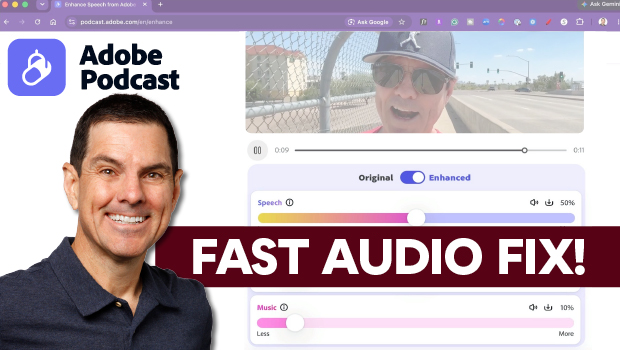
In this video, Michael Mondragon shows how to quickly fix audio with the AI-powered Enhance Speech tool in Adobe Podcast. After uploading a video, he uses the Enhance tool, and then manually adjusts the balance of speech, music, and background sound. Finally, Michael demonstrates how to auto-generate and style captions before exporting the video.
Subscribe to the CreativePro YouTube channel for more helpful design tips!
This article was last modified on September 23, 2026
This article was first published on July 29, 2026
Commenting is easier and faster when you're logged in!

Recommended for you
Index Fixes: Multiple Indexes in an InDesign Document
InDesign documents can contain only one index. But when you need more than one i...
Index Fixes: No Styling in Topic Names
Topic names cannot natively be styled in the Index panel. However, a simple solu...