



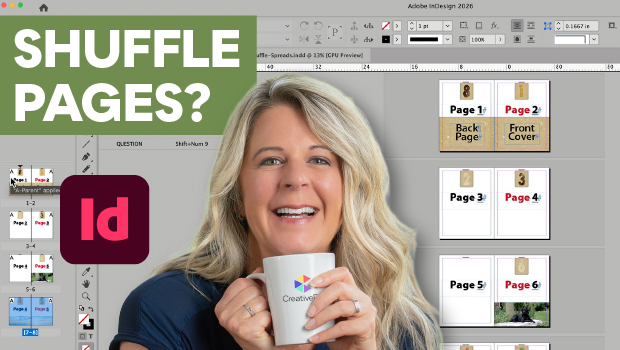
In this InDesign how-to video, Laurie Ruhlin explores controlling page layouts using the Shuffle settings in the Pages panel. First she shows how to prevent shuffling to keep multi-page spreads together. Then she disables the settings to view her front and back covers side by side.
Subscribe to the CreativePro YouTube channel for more helpful design tips!
This article was last modified on July 14, 2026
This article was first published on July 14, 2026
Commenting is easier and faster when you're logged in!

Recommended for you

Rotate Multiple Spreads
If you have many spreads to rotate, even the more easily accessible menu command...
Go to the Parent Spread Applied to the Active Spread
To access the parent spread applied to the active page, you have to open the Pag...
Spread Rotation Menu Commands
Spreads can be rotated using some deeply embedded menu commands. A script can ma...