



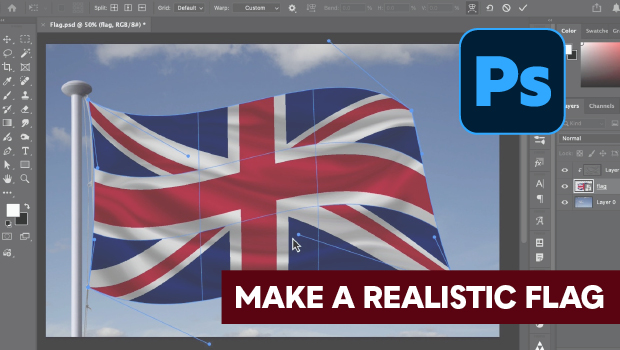
In this Photoshop how-to video, Steve Caplin demonstrates how to create a realistic rippling flag effect using custom Warp tools. Once he’s created the rippling flag shape, he adds depth with the Dodge, Burn, and Smudge tools. Finally, Steve shows how starting with a Smart Object allows you to easily swap in a different flag while maintaining all your custom distortions and shading.
Subscribe to the CreativePro YouTube channel for more helpful design tips!
This article was last modified on May 26, 2026
This article was first published on May 26, 2026
Commenting is easier and faster when you're logged in!

Recommended for you
Livestream Video: How to Use Smart Objects in Photoshop
Join Khara Plicanic to learn some great tips and tricks for working with Smart O...
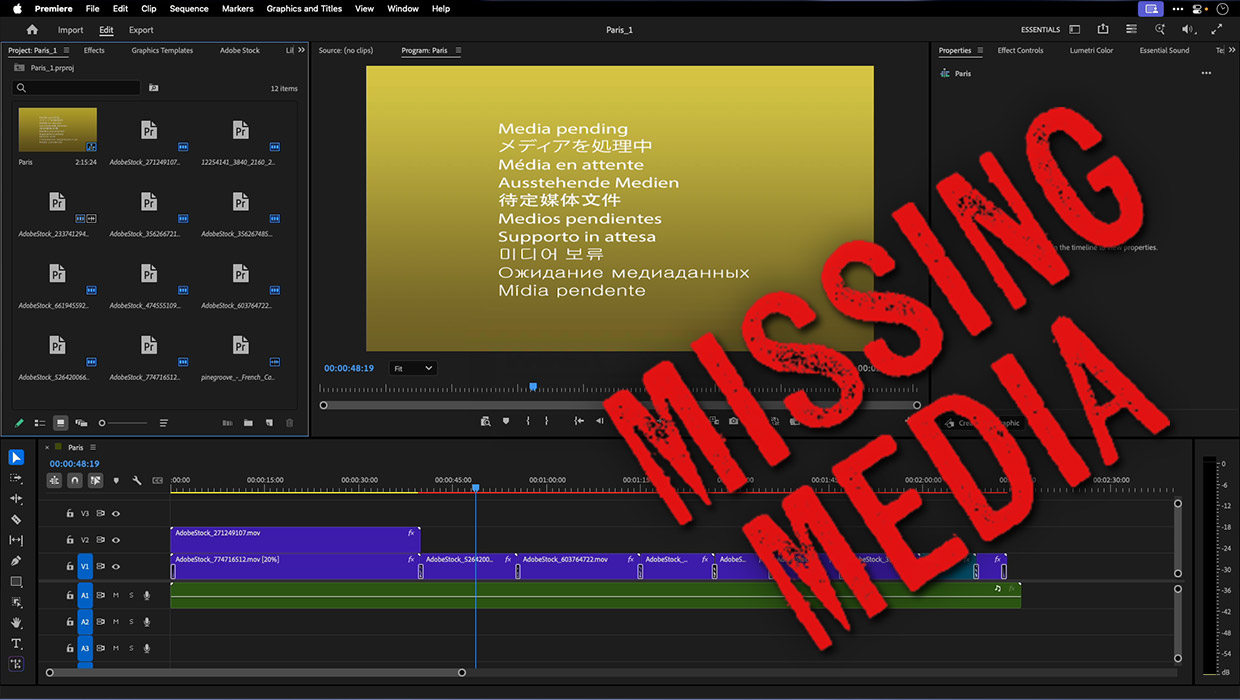
How to Fix Missing Content Problems in Premiere
Learn what the media warnings in Premiere mean and how to address them
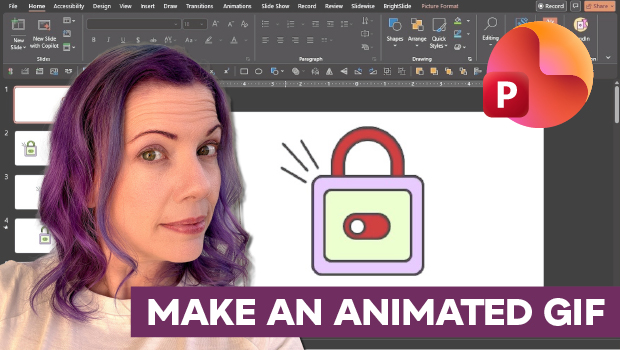
How to Make an Animated GIF in PowerPoint
Create a looping animation in PowerPoint using the Morph transition.