



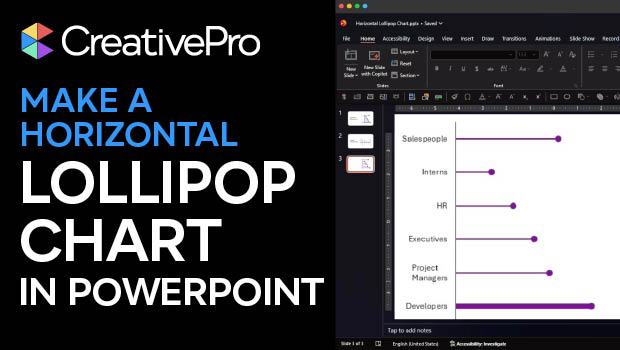
In this PowerPoint how-to video, Stephy Hogan demonstrates her trick to building a horizontal lollipop chart. Since charts can’t be rotated in PowerPoint, she can’t simply turn her original lollipop chart 90 degrees. Instead, she starts with a standard bar chart and uses a clever combination of chart elements to turn the bars into lollipops.
Subscribe to the CreativePro YouTube channel for more helpful design tips!
This article was last modified on April 10, 2026
This article was first published on April 10, 2026
Commenting is easier and faster when you're logged in!

Recommended for you

From Type to Table: Different Medium, Same Design Eye
Our longtime typography expert explores how the core principles of design transl...
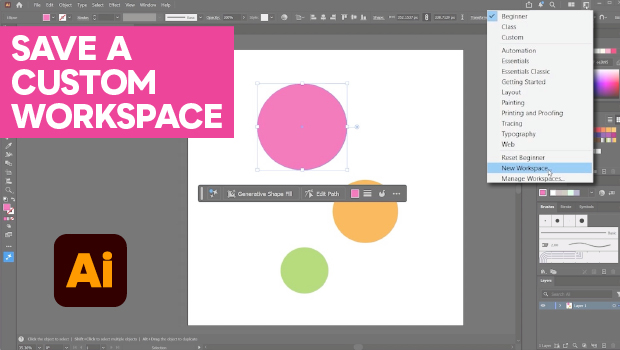
How to Make Illustrator More User Friendly
Set up your own custom workspace with Kat Kremser.
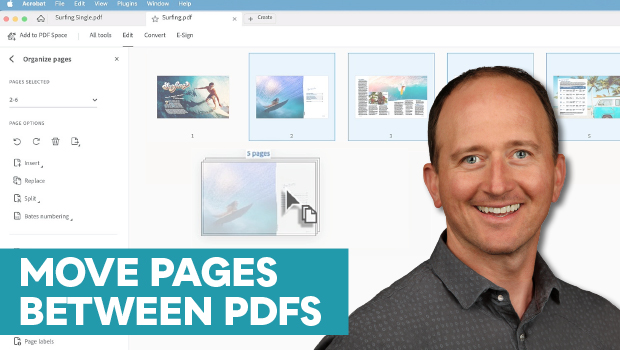
How to Move Pages Between PDFs with Adobe Acrobat
Learn how to move pages between PDF files with Chad Chelius.