



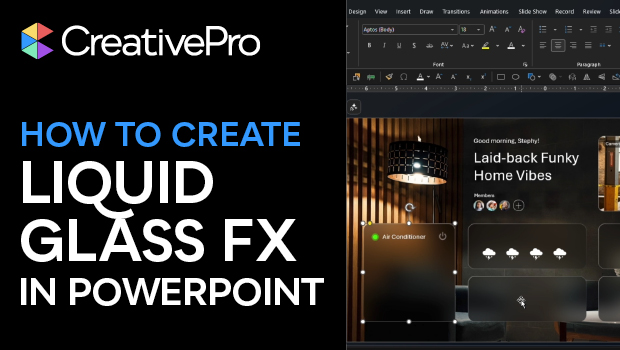
In this PowerPoint how-to video, Stephy Hogan demonstrates how to create a shape that blurs the background behind it. She explains how to use slide background fill, blur adjustments, and strategically layered images to mimic the look of translucent glass. Finally, Stephy shows how to apply a gradient line to your shapes to create a polished, light-reflecting bevel.
Subscribe to the CreativePro YouTube channel for more helpful design tips!
This article was last modified on April 3, 2026
This article was first published on April 3, 2026
Commenting is easier and faster when you're logged in!

Recommended for you

Adobe Unveils Major Expansion of Creative Agent Across Firefly and Creative Cloud Apps Including Photoshop and Premiere
Adobe is giving creative professionals an AI Assistant that orchestrates multi-s...

How to Create a Custom Stamp in Adobe Acrobat Pro
Learn how to move pages between PDF files with Chad Chelius.
Reduce PDF File Size the Smart Way in Acrobat
Shrink your PDF file size in Acrobat with Bart Van de Wiele.