



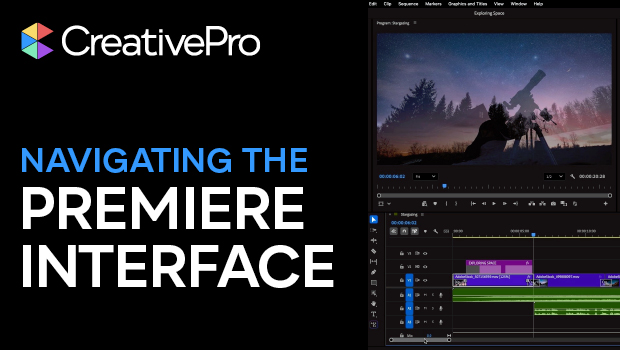
In this Premiere how-to video, Myra Ferguson offers a guide to navigating the interface and customizing your workspace. She demonstrates how to find and manage panel groups, zoom in and out in the timeline, and navigate keyboard shortcuts. Finally, Myra shares tricks for adjusting track heights and thumbnail views, making it easy to see exactly what you’re working on as you edit.
Subscribe to the CreativePro YouTube channel for more helpful design tips!
This article was last modified on March 24, 2026
This article was first published on March 24, 2026
Commenting is easier and faster when you're logged in!

Recommended for you
Remove the Background From a Video in Premiere
Use the new Object Masking tool to remove a video background in Premiere.
Export a Still Image from a Video in Premiere
Export a single frame from a video in Premiere with Myra Ferguson.
Create an Animated Looping Logo in Premiere
This looping animated logo tutorial from Myra Ferguson is perfect for Premiere b...