



This article appears in Issue 54 of CreativePro Magazine.
Chad Chelius is your guide to creating a great InDesign template to help you work faster, smarter, and more efficiently.
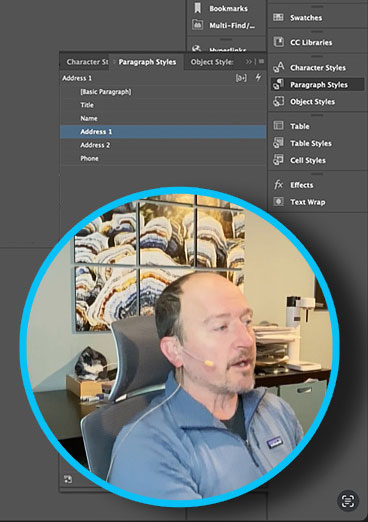
In the video, he demonstrates:
- Setting page size, margins, and columns
- Building Parent Pages
- Importing and editing styles and swatches
- Flowing text with Primary Text Frames
- Automatically adding and removing pages with Smart Text Reflow
- Automating text with Text Variables
- And more!
Commenting is easier and faster when you're logged in!

Recommended for you

Illustrator Downloadable: Summer Citrus Pattern Set
Add some zing and zest to your next design with these tasty patterns, symbols, a...
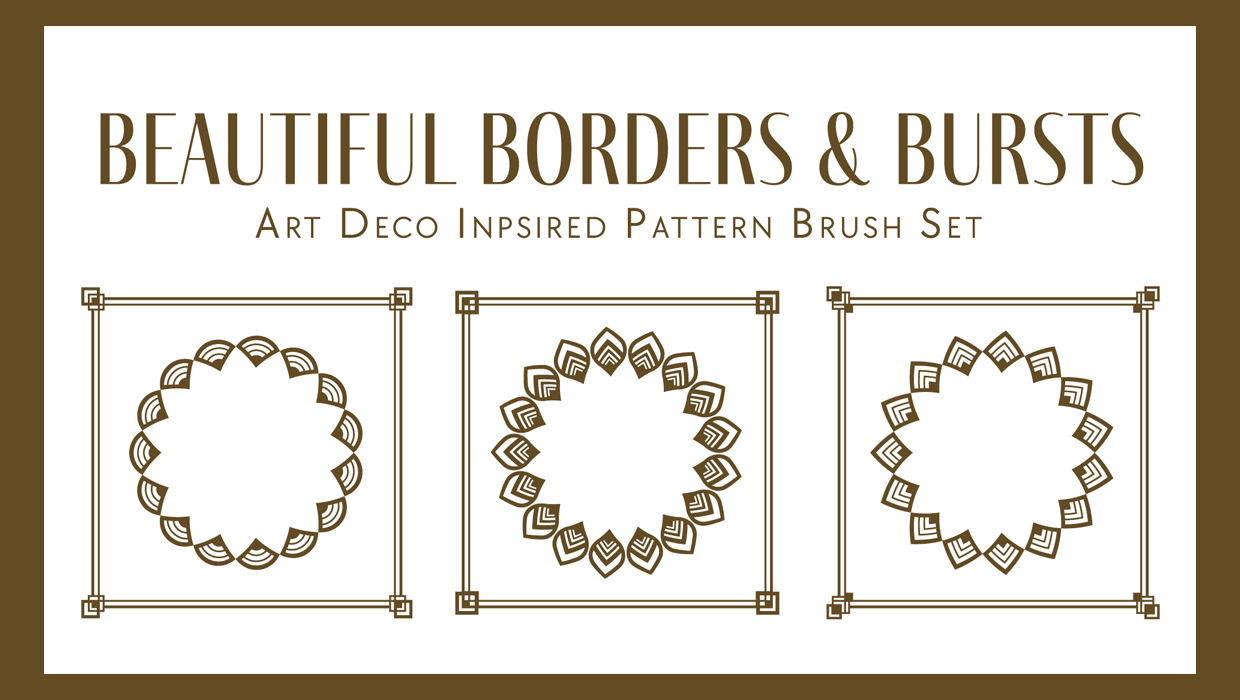
Illustrator Downloadable: Art Deco Borders and Brushes
Custom patterns and brushes to add a sleek and swanky style to your designs

Quick Wins: InDesign Template Essentials
Use these five Template Essentials collections to speed up your InDesign documen...