



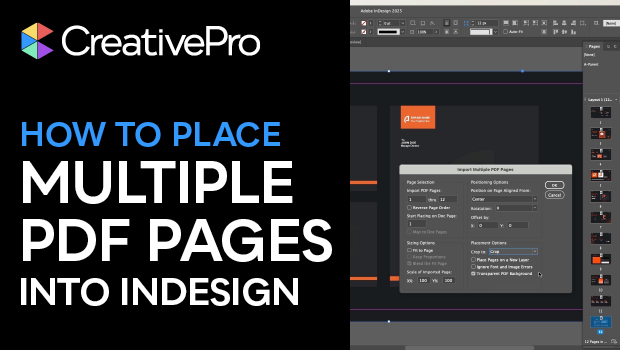
In this InDesign how-to video, Myra Ferguson explains how to place every page of a PDF into separate pages of an InDesign document. Myra reviews how to do this using the Place PDF dialog box, and then shows a quicker way using the native Place Multipage PDF script. Finally, she recommends the Multi Page Importer Script, which offers even more options for importing PDFs.
Get the free Multi Page Importer script here.
For more information about installing scripts in InDesign, see this article.
Subscribe to the CreativePro YouTube channel for more helpful design tips!
This article was last modified on January 27, 2026
This article was first published on January 27, 2026
Commenting is easier and faster when you're logged in!

Recommended for you

Getting Started in Packaging Design
Join the fold: Packaging design is one of the most rewarding (and future-proof)...
How to Make an Animated GIF in PowerPoint
Create a looping animation in PowerPoint using the Morph transition.

Why Your Print Workflow May Be Stuck in the Past
A Conversation with Adobe’s Mark Lewiecki on PDF best practices for print