


Before&After: How to Find the Perfect Color
Hidden in your photo is the color palette you need. Here’s how to get it out.

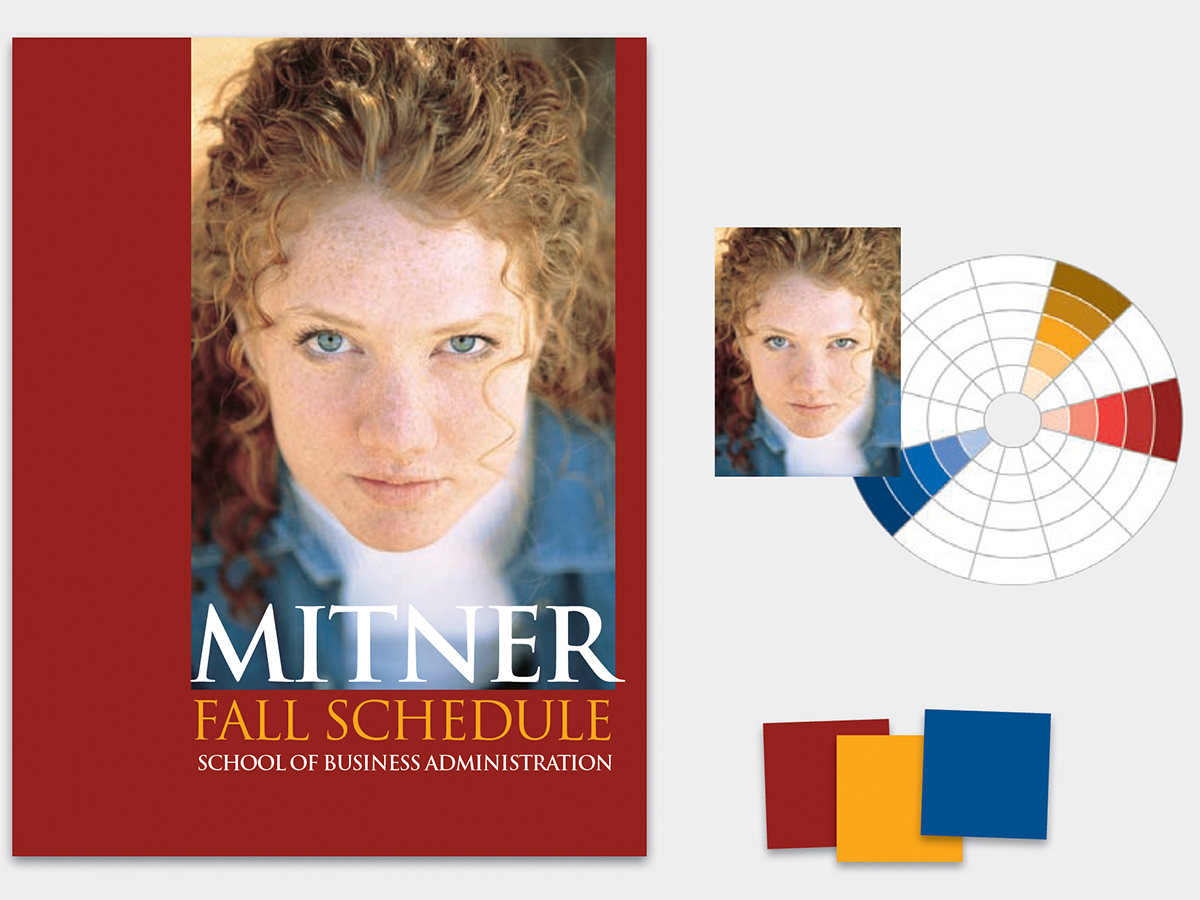
Every photo has a natural color palette. First step is to find it and organize it. Zoom in on your photo, and you’ll be astonished by how many colors you see. You’ll extract colors with the eyedropper tool. This 12-page article from issue 31 of Before&After Magazine teaches you how to design a color-coordinated document based on the colors in any element on the page.
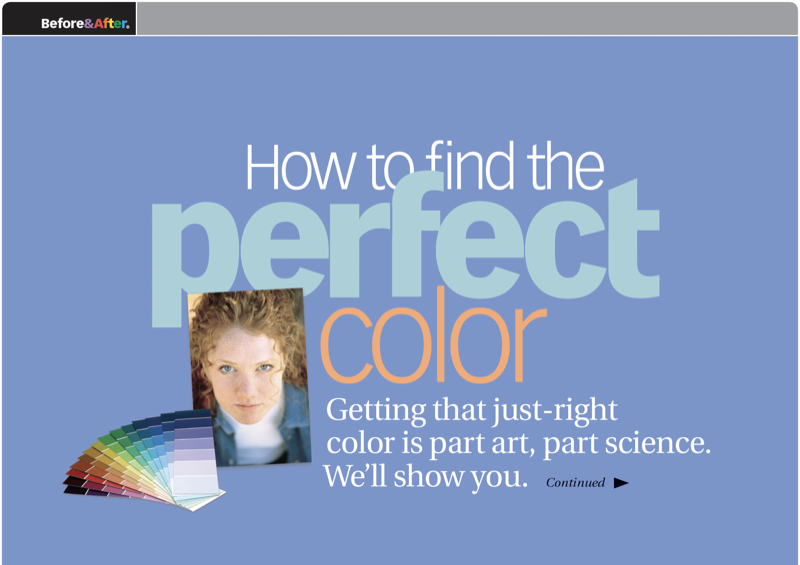
Select any of the colors, and locate it on the color wheel, a tool to show you a color’s relationship to other colors.
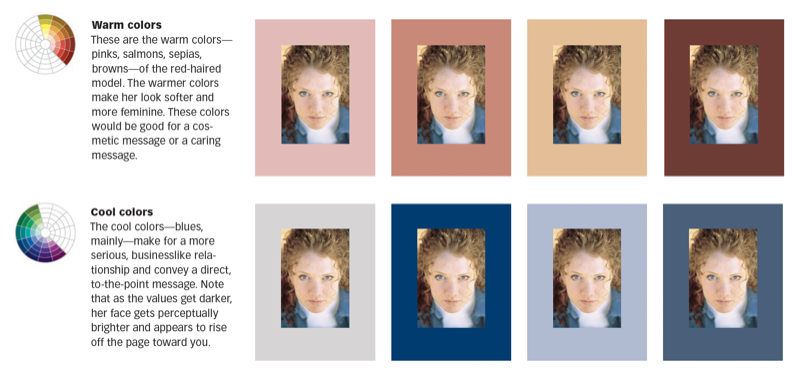
© John McWade/Before&After Magazine, courtesy of Gaye Anne McWade.
Commenting is easier and faster when you're logged in!

Recommended for you
Before&After: Design a Card the Easy Way
A photo and one block of type are all it takes to make a beautiful business card...

Before&After: Draw Great Visual Instructions
Have something to demonstrate or explain? Don’t say it; show it!

How to Change a Black Object to Any Color in Photoshop
Use a curves adjustment layer to transform black or white objects into color in...