



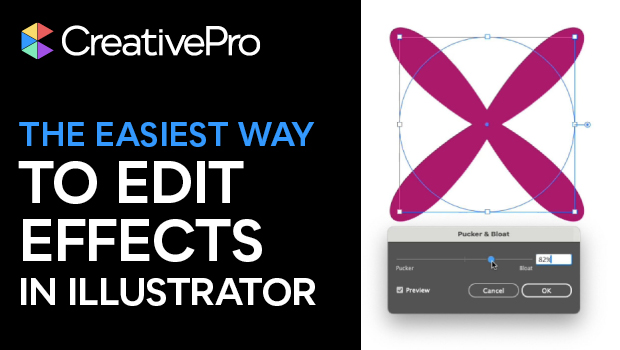
In this quick video, Khara Plicanic shows how to use Illustrator’s Appearance panel to make changes to applied effects. She also demonstrates adding multiple effects to an item.
Subscribe to the CreativePro YouTube channel for more helpful design tips!
This article was last modified on January 14, 2026
This article was first published on January 14, 2026
Commenting is easier and faster when you're logged in!

Recommended for you
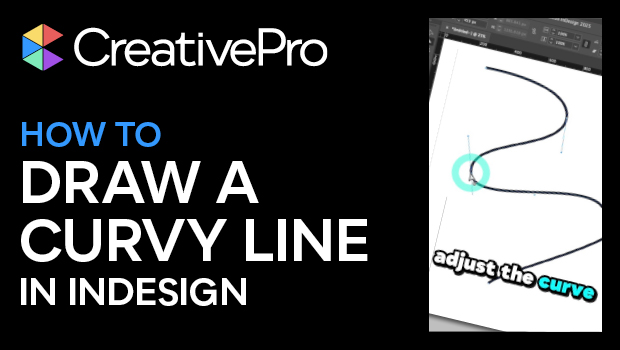
How to Draw a Curvy Line in InDesign
Learn how to create a curved line in InDesign, using the Pen tool then make adju...
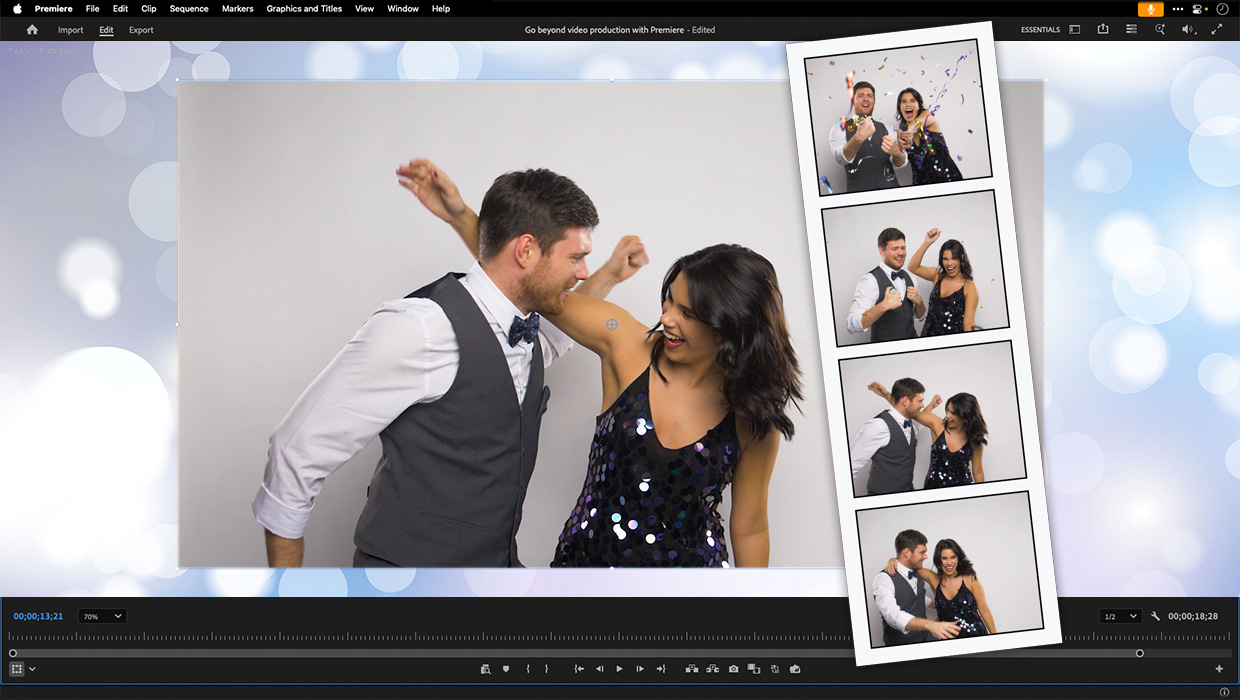
Premiere: It’s Not Just For Video
Designers using InDesign and Photoshop can look at Premiere as a surprising reso...

Creating Fluffy Text with AI in Photoshop
How to create a fun text effect that looks like fluffy fur on a grass background...