



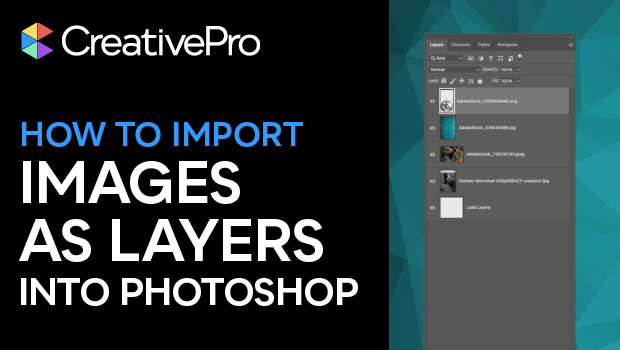
In this quick video, Khara Plicanic shows how to bring multiple image files into a single Photoshop document. Using a built-in script, each image becomes a separate layer within that Photoshop file.
Subscribe to the CreativePro YouTube channel for more helpful design tips!
This article was last modified on December 31, 2025
This article was first published on December 31, 2025
Commenting is easier and faster when you're logged in!

Recommended for you

How to Filter and Sort Photoshop Layers
Learn how to easily organize and find your Photoshop layers.
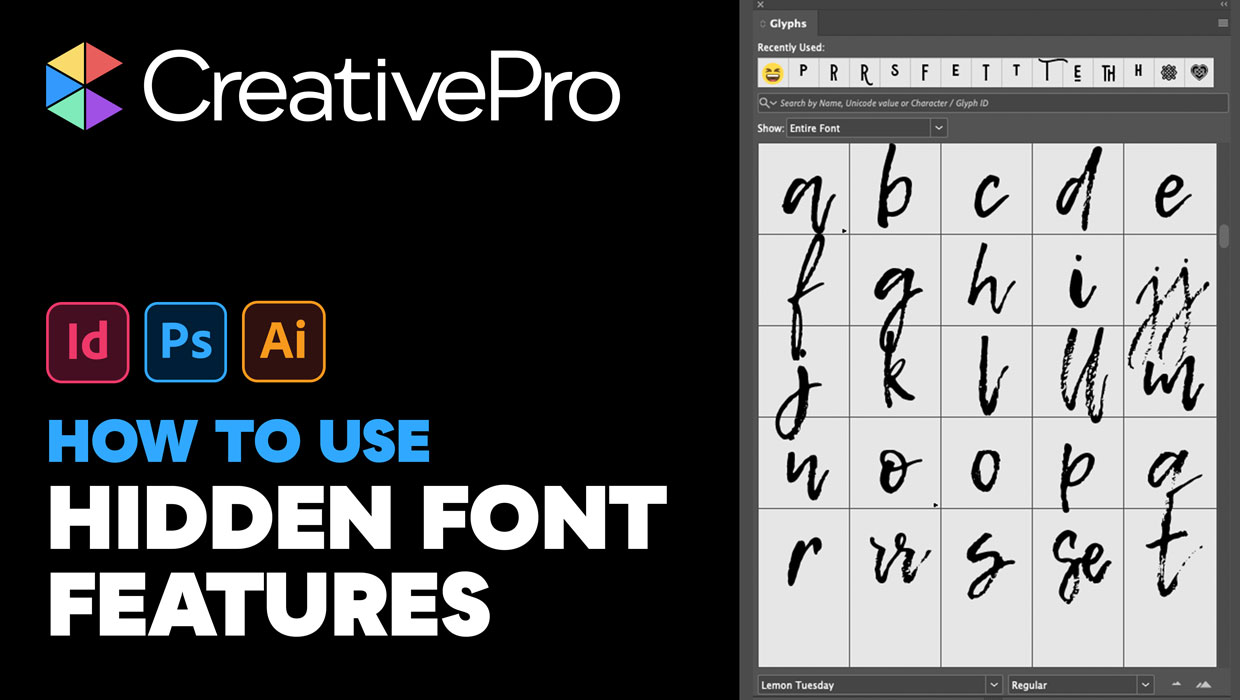
Livestream Video: Hidden Font Features You Didn’t Know Existed
Join Khara Plicanic to learn some great tips and tricks for working with layers...
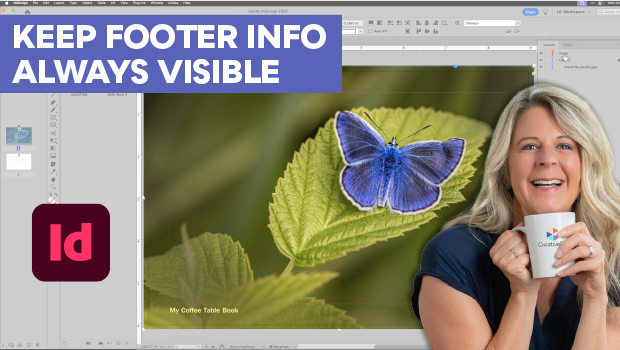
Keep Footer Info Always Visible in InDesign
Keep your full-page photographs from blocking headers and footers in InDesign wi...