



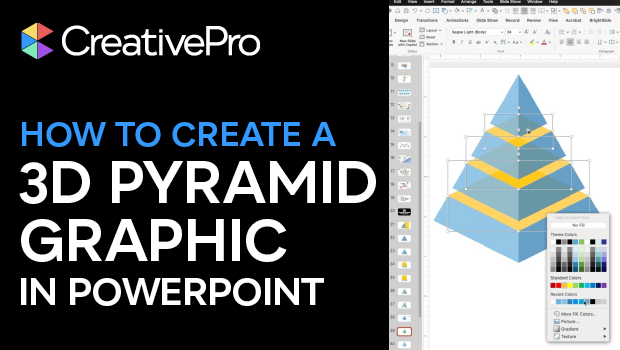
In this PowerPoint how-to video, Mike Parkinson demonstrates how to build a professional-looking 3D graphic using only native PowerPoint tools. Starting from a blank slide, he shows how to use shapes, the Merge Shape options, and careful alignment to construct a multi-level 3D pyramid. Along the way, Mike shares practical tips for working with vector shapes in PowerPoint—no Illustrator required
Download Mike’s PowerPoint file here.
Subscribe to the CreativePro YouTube channel for more helpful design tips!
This article was last modified on February 23, 2026
This article was first published on December 23, 2025
Commenting is easier and faster when you're logged in!

Recommended for you

Quick Wins: Presentation Design Skills
Use these five resources to boost your presentation design and production skills
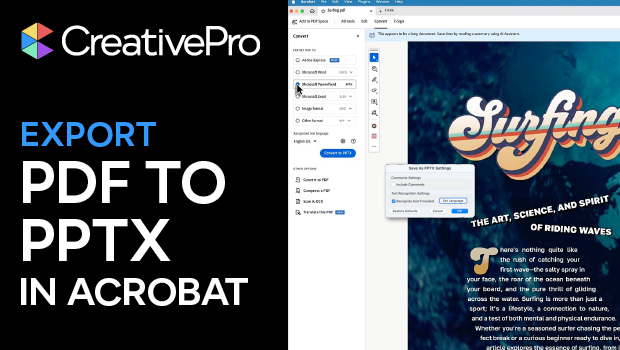
Export a PDF to a PowerPoint File from Acrobat
Editing your PDF file will be a breeze if you export it to PowerPoint, with Chad...
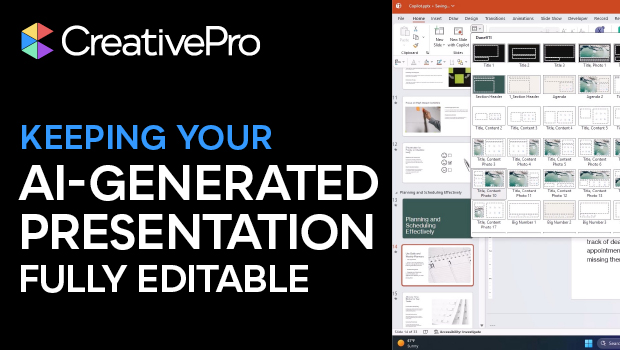
How to Keep AI-Generated Presentations Fully Editable
An AI-assisted workflow that actually works, so your files are beautiful and fun...