



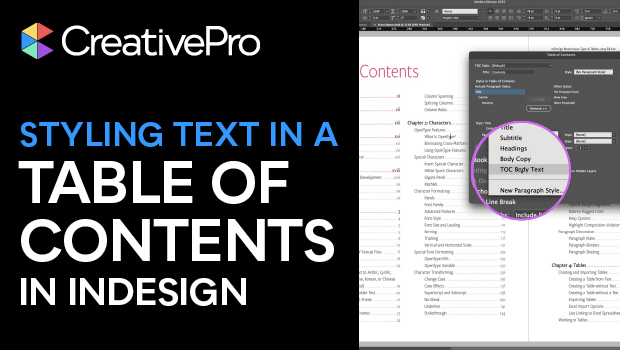
In this InDesign how-to video, Pariah Burke explains all about entry styles: dedicated paragraph styles just for your table of contents. He demonstrates how to create these styles before, after, or during table of contents generation. He even reveals how InDesign will do some of the work for you by automatically generating paragraph styles.
Subscribe to the CreativePro YouTube channel for more helpful design tips!
This article was last modified on December 12, 2025
This article was first published on December 12, 2025
Commenting is easier and faster when you're logged in!

Recommended for you
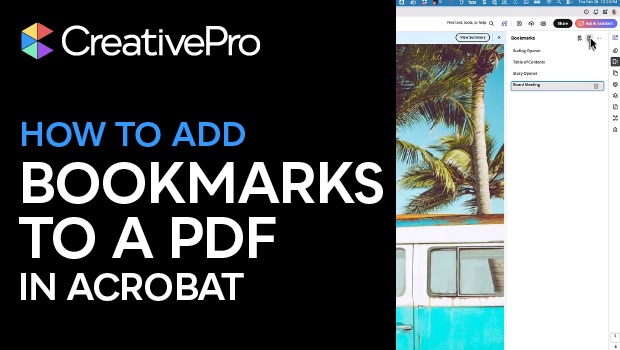
Create PDF Bookmarks in Acrobat for Easier Navigation
Navigate your PDF files with ease using bookmarks!
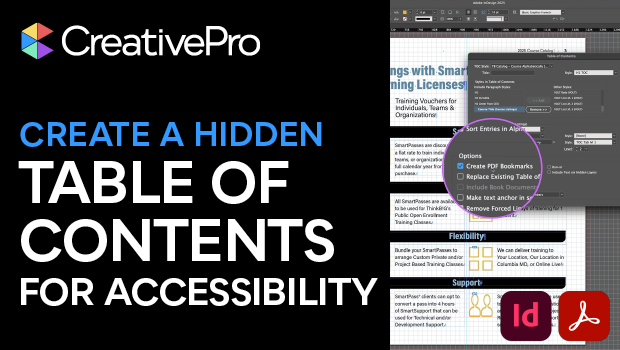
How to Create an Accessible—and Hidden—Table of Contents in InDesign
Create invisible but accessible PDF bookmarks with Pariah Burke.
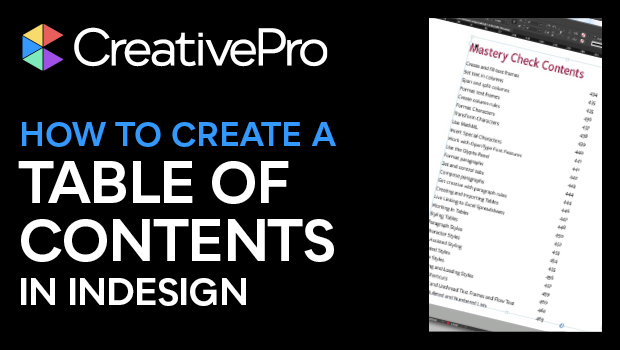
How to Create and Update a Table of Contents in InDesign
Learn how to create and style the perfect table of contents in InDesign.