



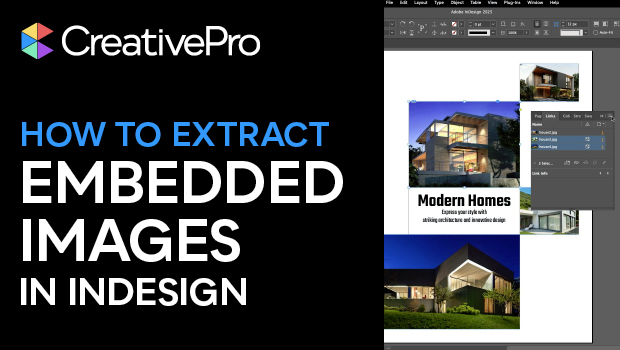
In this InDesign how-to video, Myra Ferguson shows how to extract and save embedded images all at once. Myra first reviews how to embed and un-embed the document’s images using the Links panel. Then, she demonstrates how to export the images into their own folder, whether they’ve been embedded or pasted.
Subscribe to the CreativePro YouTube channel for more helpful design tips!
This article was last modified on December 5, 2025
This article was first published on November 21, 2025
Commenting is easier and faster when you're logged in!

Recommended for you
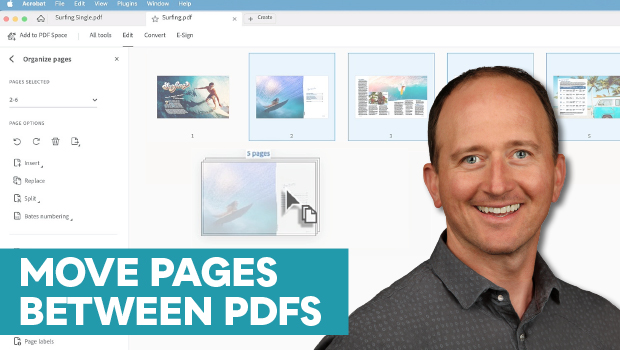
How to Move Pages Between PDFs with Adobe Acrobat
Learn how to move pages between PDF files with Chad Chelius.

Free Webinar: Animate Your Marketing Graphics with Photoshop
Learn how to create eye-catching animated GIFs, motion graphics, and simple vide...

Why Your Print Workflow May Be Stuck in the Past
A Conversation with Adobe’s Mark Lewiecki on PDF best practices for print