



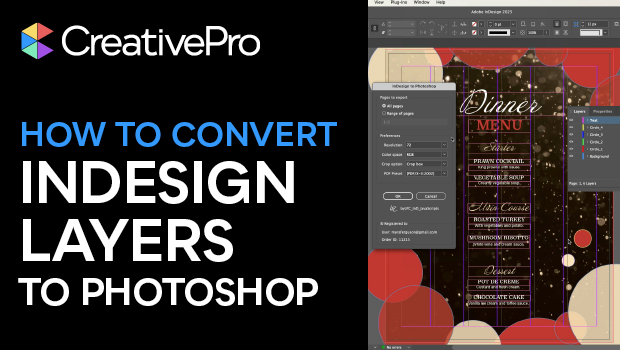
In this InDesign how-to video, Myra Ferguson helps you transform your multi-layered InDesign document into Photoshop layers by using a third-party script. Once you’ve lifted the layers from InDesign, you’ll be able to create animated gifs, videos, social media content and more!
Here is where you can purchase the Pro or Standard version of the InDesign to Photoshop Layers script:
Pro version
Standard version
For more information about installing scripts in InDesign, check out this article.
Subscribe to the CreativePro YouTube channel for more helpful design tips!
This article was last modified on December 5, 2025
This article was first published on November 14, 2025
Commenting is easier and faster when you're logged in!

Recommended for you
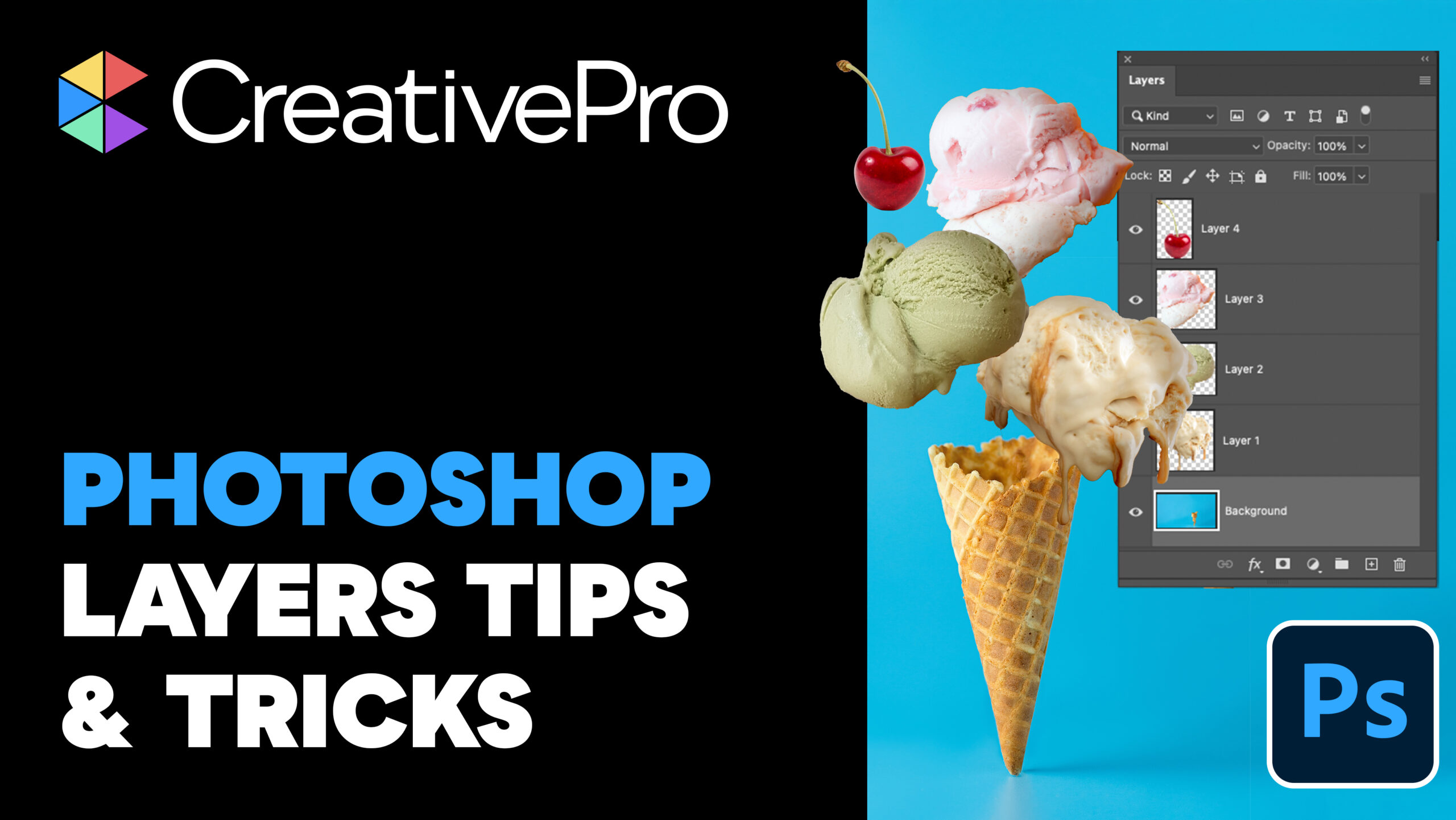
Livestream Video: Photoshop Layers Tips & Tricks
Join Khara Plicanic to learn some great tips and tricks for working with layers...
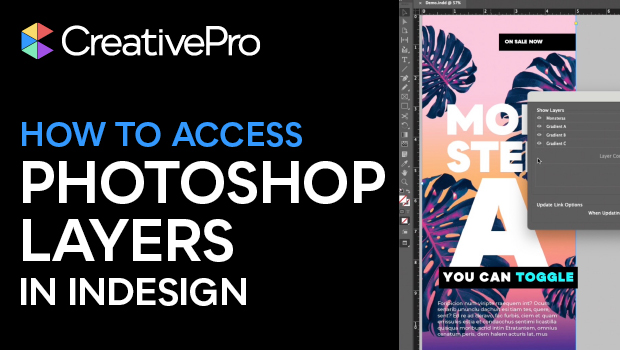
Accessing Photoshop Layers in InDesign
Khara Plicanic shows how to access Photoshop layers from within InDesign.
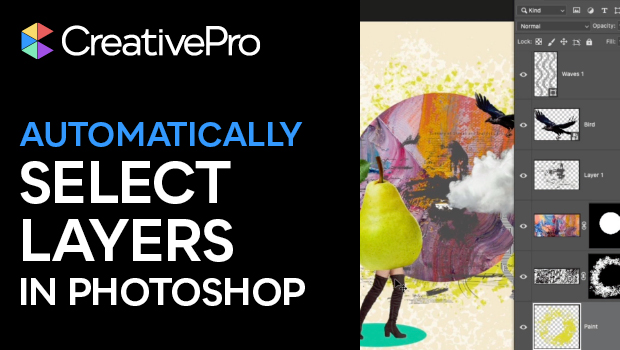
Automatically Select Layers in Photoshop
Use this trick to select a layer’s content by clicking directly on the canvas, i...