



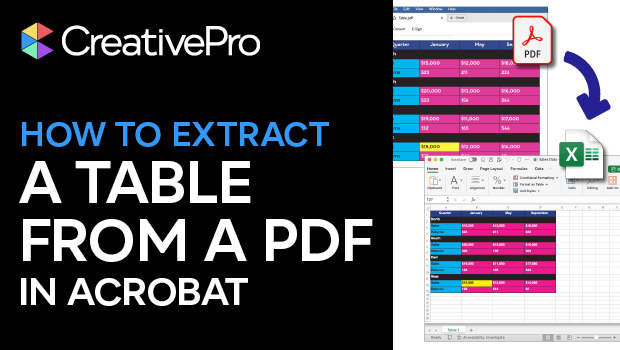
In this Acrobat how-to video, Mike Rankin shares a quick tip for extracting a table from a PDF. He selects the table and chooses Export Selection As to export the table as an Excel Workbook. This basic technique works best with simple tables, but it’s a good starting point for exporting data of any kind.
Subscribe to the CreativePro YouTube channel for more helpful design tips!
This article was last modified on November 6, 2025
This article was first published on October 1, 2025
Commenting is easier and faster when you're logged in!

Recommended for you

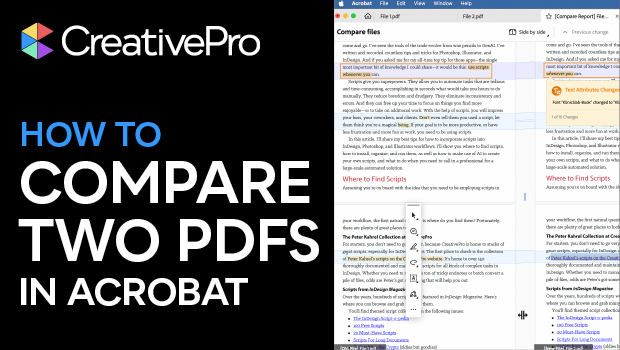
How to Compare Two PDFs Using Acrobat
See all the differences in two PDFs at a glance with this quick Acrobat tip.

Creating PDF Presentations in InDesign
Mike Rankin shows how to create a great presentation file with InDesign and deli...
