



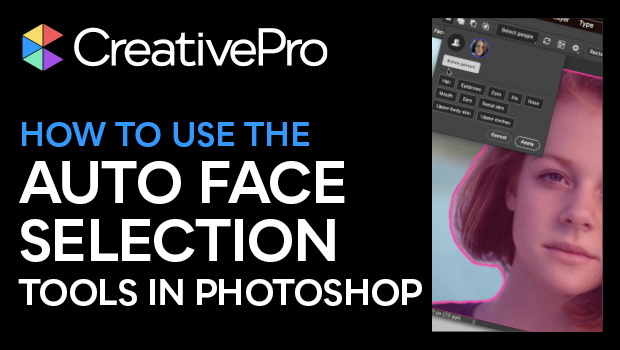
In this Photoshop how-to video, Steve Caplin demonstrates the ability of the Object Selection tool to make adjustments to a model’s headshot. He shows how the tool automatically recognizes the parts of her face and he explains you can also use the Select People button, which has buttons to select individual facial features. Steve is then able to make changes to each part of her image, all without any manual selection.
Subscribe to the CreativePro YouTube channel for more helpful design tips!
This article was last modified on August 29, 2025
This article was first published on June 11, 2025
Commenting is easier and faster when you're logged in!

Recommended for you

What If Your Proofing Tool Could Markup the Proof for You?
Imagine opening a proof and seeing suggested markups already waiting – hig...

Free Webinar: Accessibility Essentials
Learn the foundational concepts, terminology, and best practices that every desi...
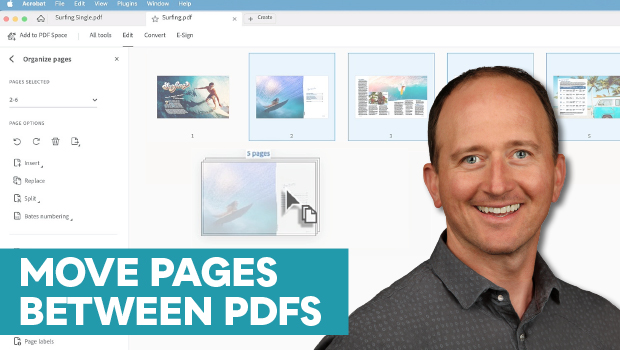
How to Move Pages Between PDFs with Adobe Acrobat
Learn how to move pages between PDF files with Chad Chelius.