



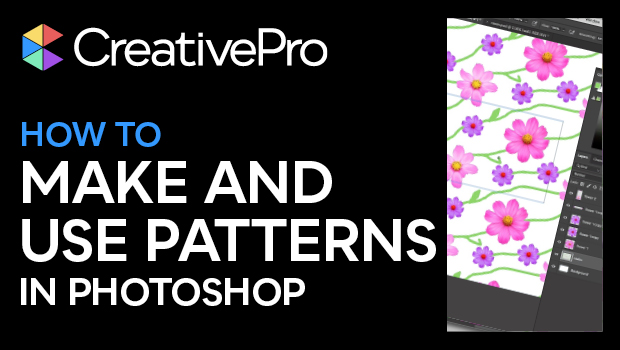
In this Photoshop how-to video, Steve Caplin demonstrates how easy it is to create a seamless pattern. He shows how to add and modify items within the pattern boundary and how the items repeat endlessly. Finally, Steve saves the pattern to be used as an overlay within other Photoshop files.
Subscribe to the CreativePro YouTube channel for more helpful design tips!
This article was last modified on August 29, 2025
This article was first published on March 26, 2025
Commenting is easier and faster when you're logged in!

Recommended for you

Livestream Video: Photoshop on the iPhone
Join Khara Plicanic to learn what you can (and can't) do with Photoshop on the i...
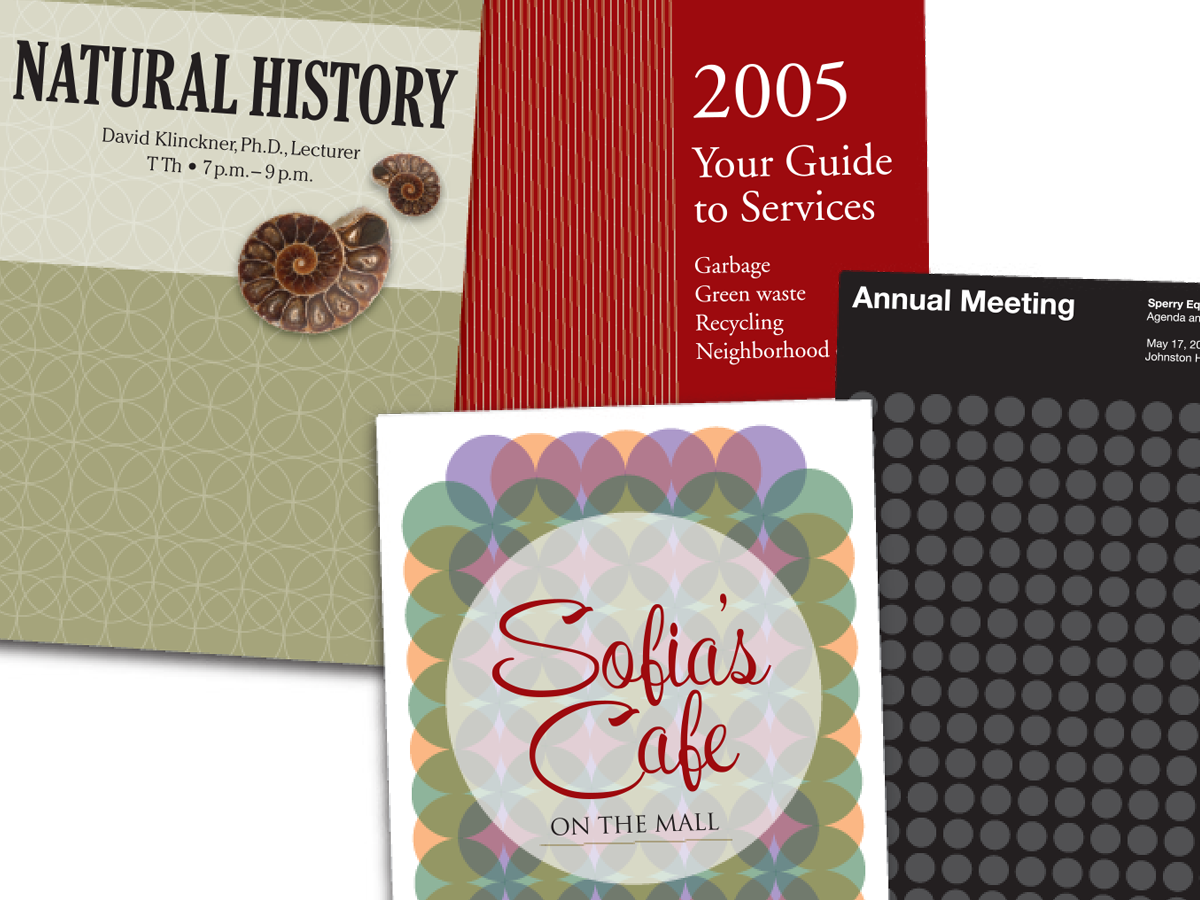
Before&After: Easy Cover Patterns
Using this step-and-repeat technique, you can make artistic covers in no time!
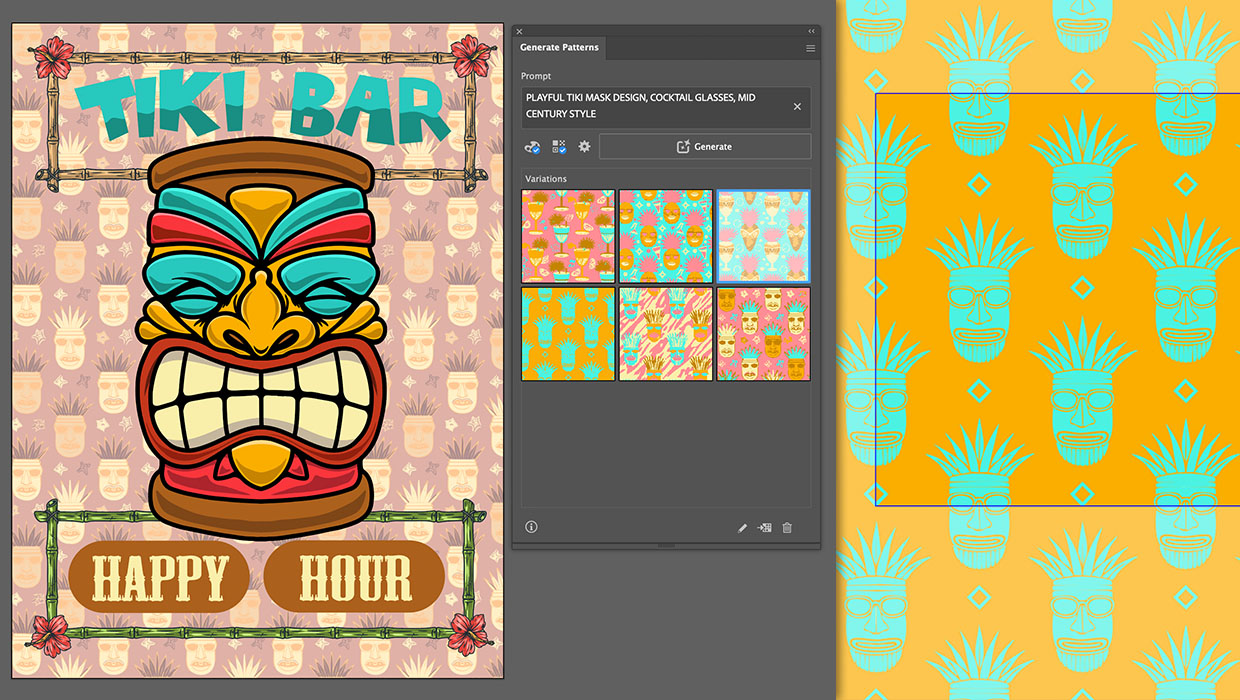
Generating Vector Patterns in Illustrator
Making patterns from prompts opens up a whole new world of creative possibilitie...