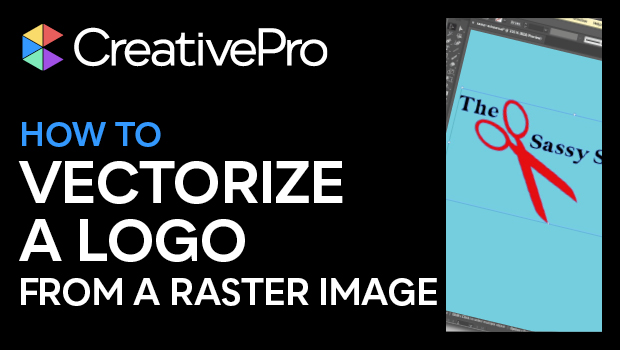
In this Illustrator how-to video, Khara Plicanic shows how easy it is to take a raster image—say a JPEG of a logo—and turn it into vector artwork. Using the Image Trace function and experimenting with presets and adjustments, she is able to trace the artwork, then expand it, and even knockout any background color from the original image.
Subscribe to the CreativePro YouTube channel for more helpful design tips!
This article was last modified on August 29, 2025
This article was first published on February 11, 2025
Commenting is easier and faster when you're logged in!

Recommended for you

Quick Wins: Vector Drawing Skills
Use these five resources to boost your vector drawing skills.
Livestream Video: Quick & Easy Vectors with Illustrator’s Shape Builder Tool
Join Khara Plicanic as she explores an easier way of drawing vector shapes in Il...