



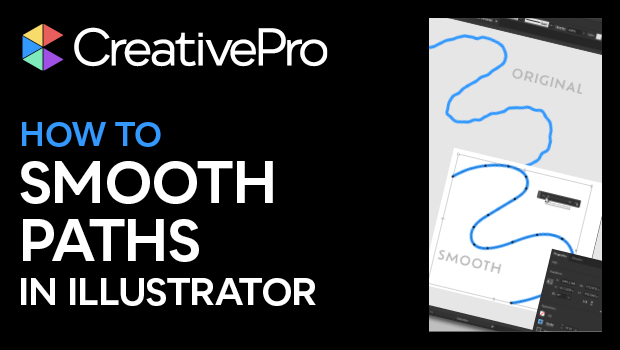
In this Illustrator how-to video, Kat Kremser shows you how to easily smooth rough or bumpy paths. You can use the built-in Auto-Smooth option or a combination of the Smooth slider and the Smooth tool to reduce unneeded points and create smooth, flowing curves.
Subscribe to the CreativePro YouTube channel for more helpful design tips!
This article was last modified on August 29, 2025
This article was first published on January 31, 2025
Commenting is easier and faster when you're logged in!

Recommended for you

Work Week Projects: File-Handling Features in Adobe Bridge
Five quick exercises to do while you're at work to learn important skills in Ill...
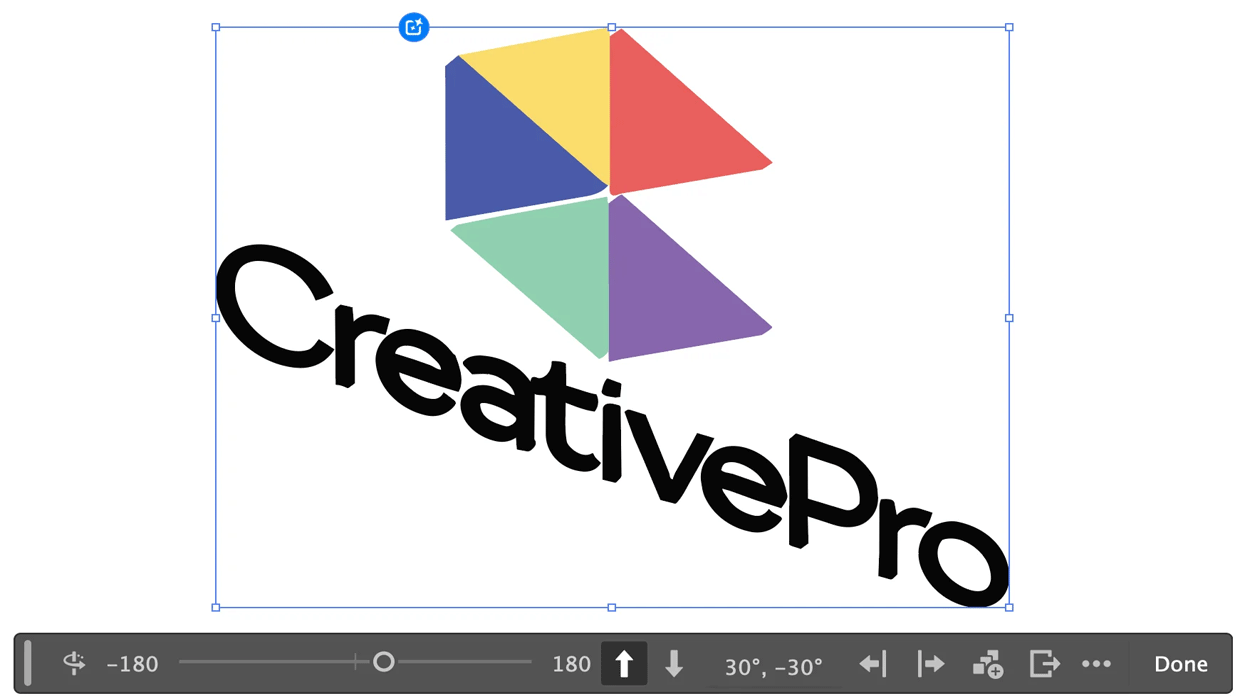
Rotating Objects in Illustrator Using Turntable
Generate vector objects from a variety of angles with the help of AI

CreativePro Week 2026 Preview: 5 Indispensable InDesign Sessions
Five sessions InDesign users can't afford to miss