



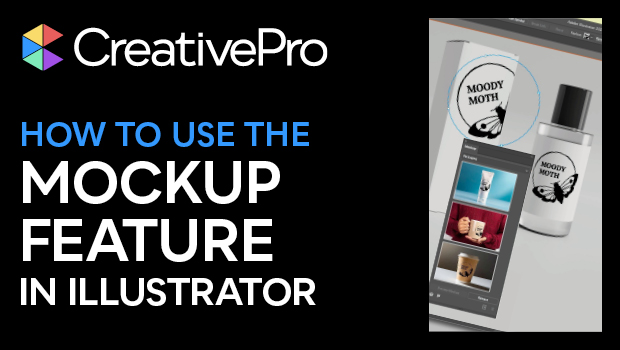
In this Illustrator how-to video, Khara Plicanic takes a look at the new Mockup feature. This addition to Illustrator lets you take your vector artwork and easily map it to a photo of an object—such as merchandise you want to adorn with your logo—with it automatically interacting with the object in 3D space. Khara then shows you how to save a mockup to be used again with other vector art.
Subscribe to the CreativePro YouTube channel for more helpful design tips!
This article was last modified on August 29, 2025
This article was first published on January 14, 2025
Commenting is easier and faster when you're logged in!

Recommended for you
Create a Pantone Swatch in Illustrator
Make your own Pantone Swatch colors in Illustrator with Theresa Jackson.

Quick Wins: Vector Drawing Skills
Use these five resources to boost your vector drawing skills.
How to Get X-Ray Vision in Illustrator!
Khara Plicanic shows how to see just the framework of your Illustrator creations...