



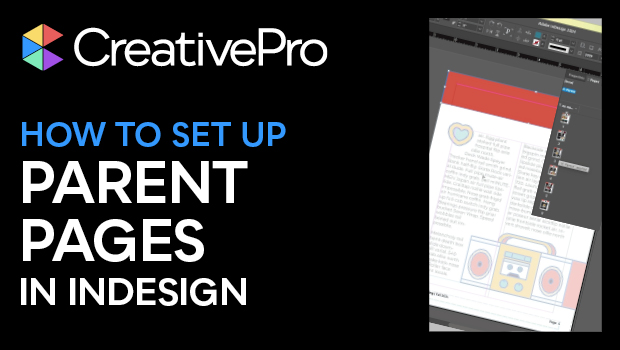
In this InDesign how-to video, Khara Plicanic gives an overview of working with parent pages—think of them like a template page—in a document. She shows how to set up a new parent page, add elements to the page, how to make changes to the content later, and how to apply a different parent to a page in your document.
Subscribe to the CreativePro YouTube channel for more helpful design tips!
This article was last modified on August 29, 2025
This article was first published on October 16, 2024
Commenting is easier and faster when you're logged in!

Recommended for you
Quickly Renumber a List in InDesign
Khara Plicanic shows how to renumber an InDesign list without digging through me...

How to Export Videos in Different Aspect Ratios from Premiere
Quickly reframe your video for any social media platform with Myra Ferguson.